Help
Device guides
Samsung
Galaxy Z Fold4

Samsung Galaxy Z Fold4
f-97b65d20-bf87-4de6-9ba6-0d36dac9fa94
f-eb1685c3-6e04-409f-9765-e3edb43e258d
f-09cc7d62-0701-40bb-a290-9268565b3ca1
f-3fb25710-47c9-4e08-9849-fdad0a58afa5
f-c6b84a4a-08db-4226-b48d-f7ae9ba9af88
f-4278d70c-1431-4496-a687-4cdd4c795182
  • Device home
  • Getting started
  • Basic functions
  • Calls, contacts, messaging
  • Connectivity
  • Specifications
  • Device home
  • Getting started
  • Basic functions
  • Calls, contacts, messaging
  • Connectivity
  • Specifications

Uninstalling apps

You can uninstall apps to free up memory.
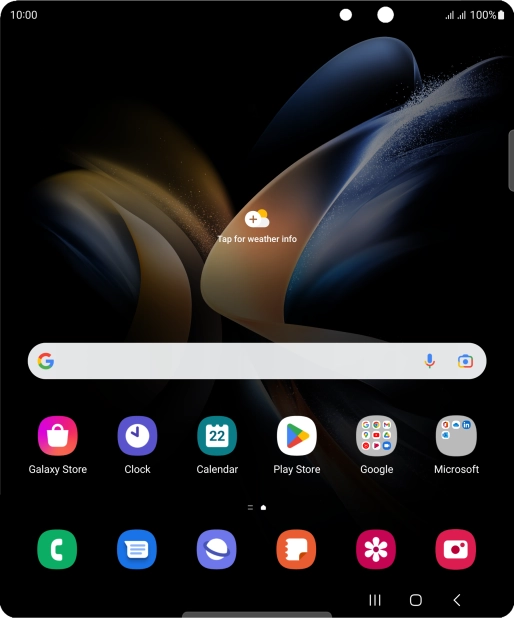
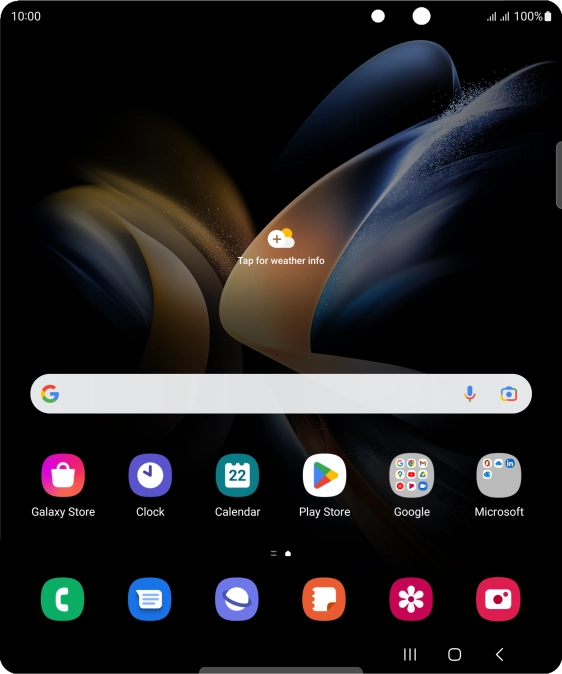
Slide your finger upwards on the screen.
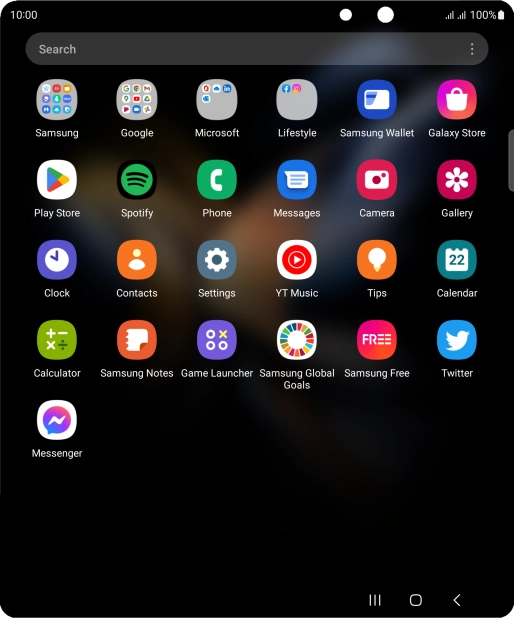
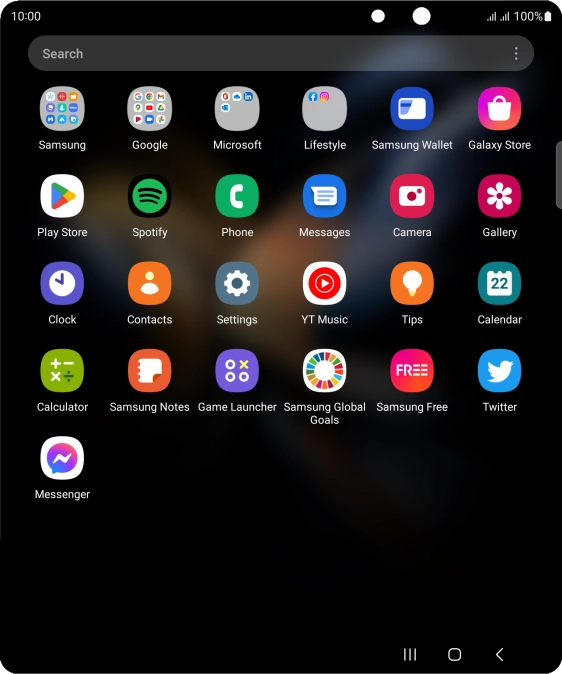
Step 1 of 9

Slide your finger upwards on the screen.

Press Play Store.
Press Play Store.
Step 2 of 9

Press Play Store.

Press the profile icon.
Step 3 of 9

Press the profile icon.

Press Manage apps and device.
Step 4 of 9

Press Manage apps and device.

Press Manage.
Press Manage.
Step 5 of 9

Press Manage.

Press the required app.
Step 6 of 9

Press the required app.

Press Uninstall.
Press Uninstall.
Step 7 of 9

Press Uninstall.

Press Uninstall.
Press Uninstall.
Step 8 of 9

Press Uninstall.

Press the Home key to return to the home screen.
Step 9 of 9

Press the Home key to return to the home screen.

Get information on...

Or choose...

Show more