Samsung Galaxy Z Fold6 5G






Turning your phone on and off
See how to turn your phone on and off. To use mobile network services on your phone, you need to insert your SIM into your phone.

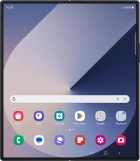
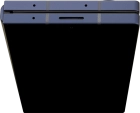
Press and hold the Side key until your phone is turned on.


If you're asked to key in your PIN, do so and press OK. The default PIN is 1111.


Slide two fingers downwards starting from the top of the screen.


Press the power off icon.


Press Power off.


Press Power off.