






Help
Device guides
Sony
Xperia 1 VI

Sony Xperia 1 VI

f-09259b8d-382d-495b-9321-94b7b3fb7338
f-8fe403b2-cebe-4a85-b2d0-8b269b74e259
f-faf80ea9-1a4a-48e9-9a06-0e1112b1d377
f-60b4b65c-fe2a-4c2a-bcb3-360fe3d88dbc
f-709314bb-86ba-45ea-a5a7-7b97cf0ec02a
f-17181dbb-8b66-42bd-81a0-c602e0efb264
f-9f06db35-d175-4800-bc1e-0249759ca29d
f-5502f6df-0e69-4889-b991-cc77dcc8b08f
  • Device home
  • Getting started
  • Basic functions
  • Calls, contacts, messaging
  • Connectivity
  • Specifications
  • Device home
  • Getting started
  • Basic functions
  • Calls, contacts, messaging
  • Connectivity
  • Specifications

Saving voicemail number

You can save your voicemail number making it easy to call and listen to your voice messages.

Press the call icon.
Step 1 of 9

Press the call icon.

Press the menu icon.
Step 2 of 9

Press the menu icon.

Press Settings.
Press Settings.
Step 3 of 9

Press Settings.

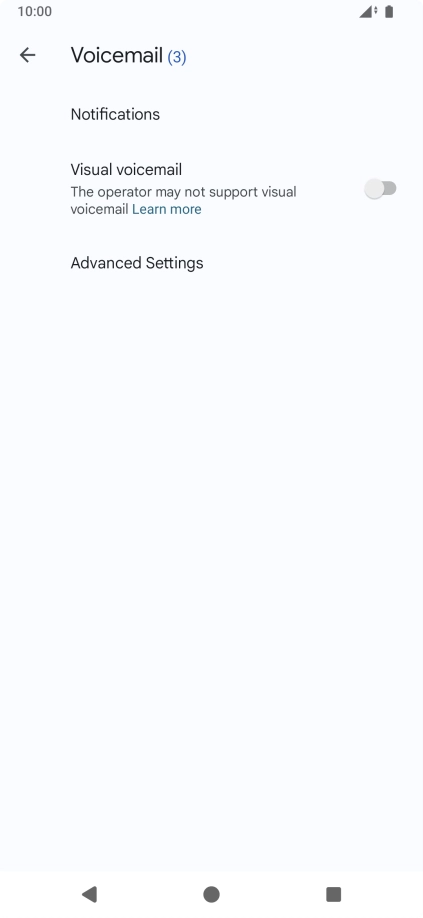
Press Voicemail.
Press Voicemail.
Step 4 of 9

Press Voicemail.

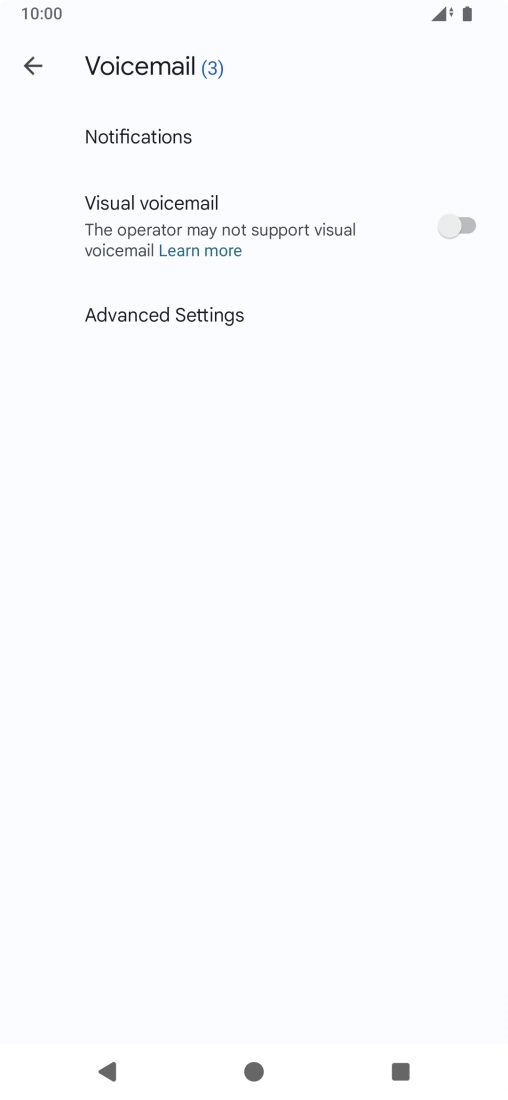
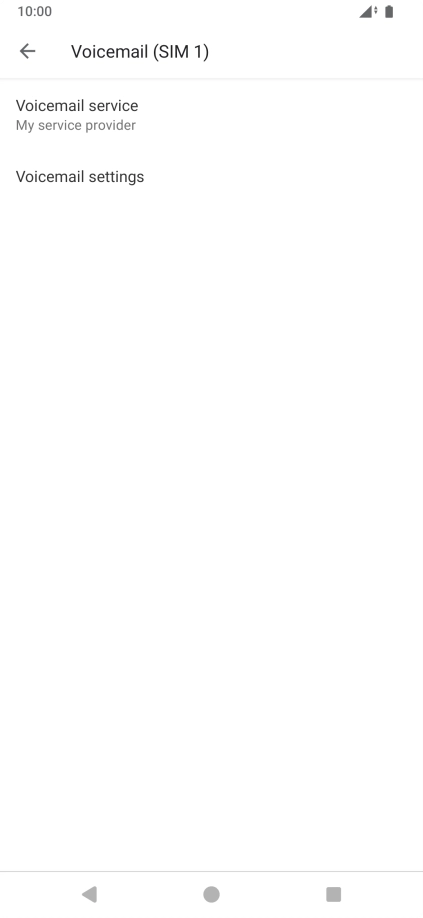
Press Advanced Settings.
Step 5 of 9

Press Advanced Settings.

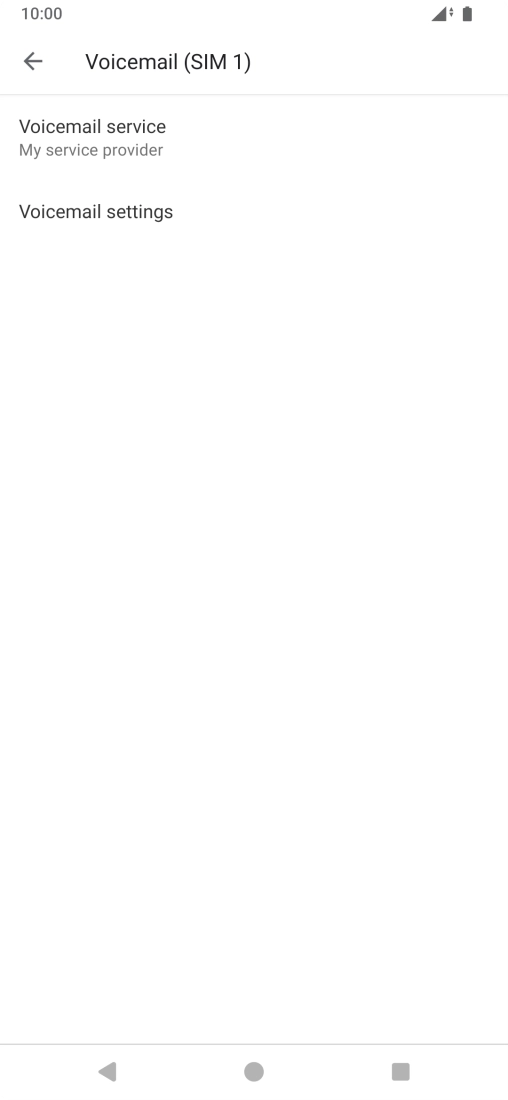
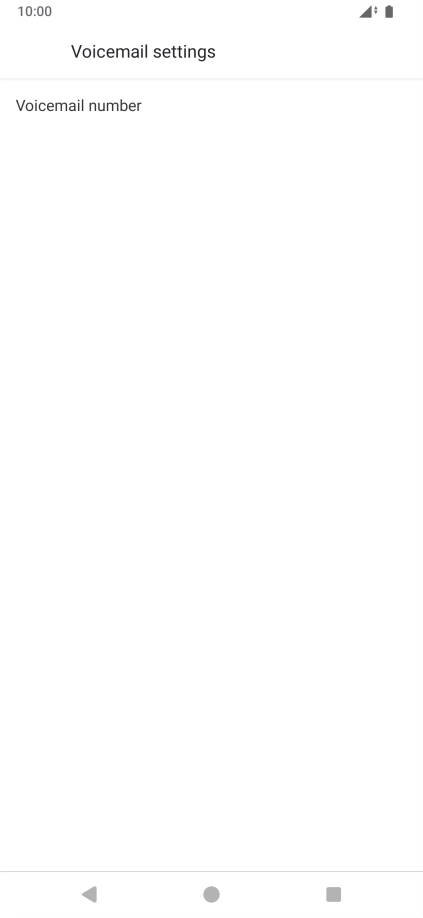
Press Voicemail settings.
Step 6 of 9

Press Voicemail settings.

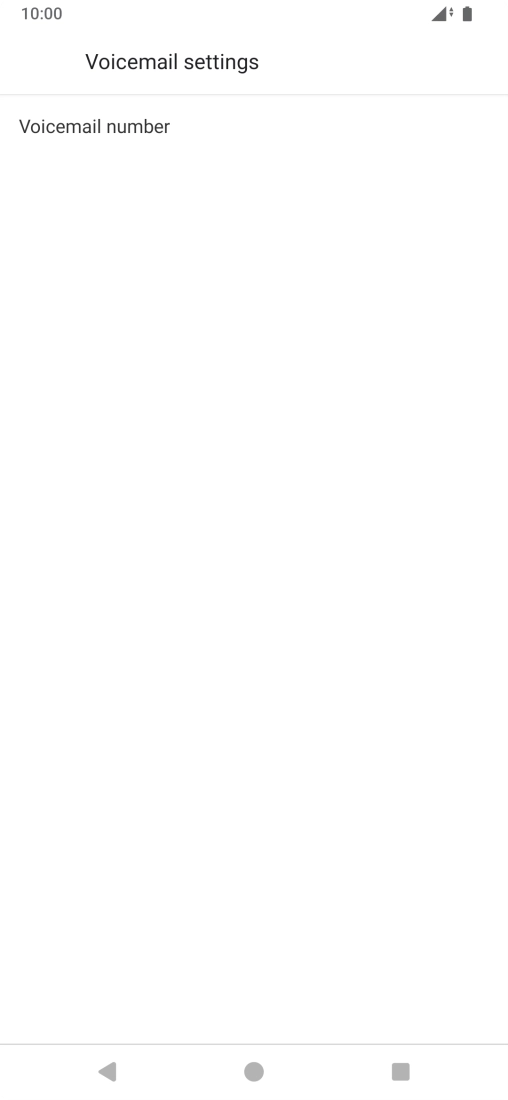
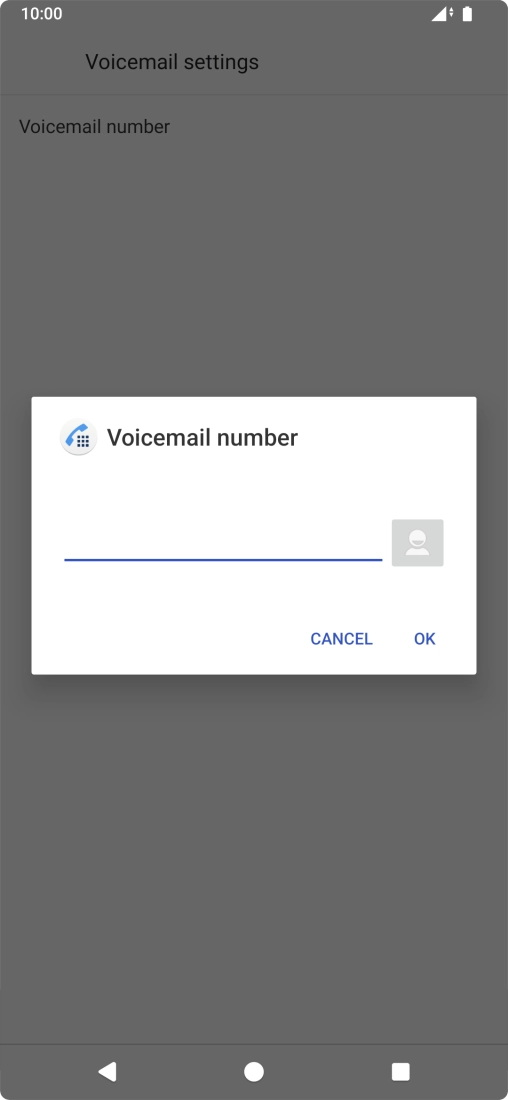
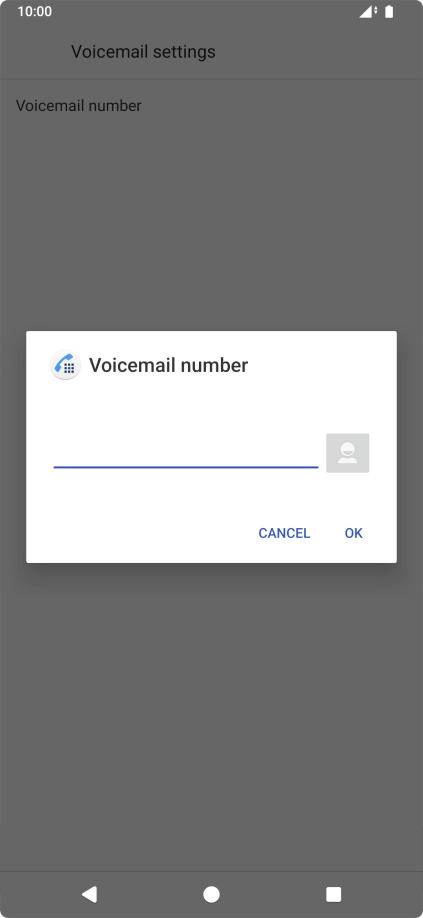
Press Voicemail number.
Step 7 of 9

Press Voicemail number.

Key in +447953222222 and press OK.
+447953222222
Key in +447953222222 and press OK.
+447953222222
Step 8 of 9

Key in +447953222222 and press OK.

Press the Home key to return to the home screen.
Step 9 of 9

Press the Home key to return to the home screen.

Get information on...

Or choose...

Show more