



Help
Device guides
Sony
Xperia 10

Sony Xperia 10

f-7aabb6b1-2407-4f16-813d-95922d385bee
f-7f8006f1-379c-4ffc-bb11-ac4e93eba3a9
f-d724d92d-8ef4-49af-8950-1132e7a199fa
f-324d67a8-ee63-4c6a-88e2-9401f679f97d
f-8b5d92cb-1229-4725-a840-ea978a36bd6d
f-9d8a0fc0-cc50-4f6a-a4c5-7125f860fdb7
  • Device home
  • Getting started
  • Basic functions
  • Calls, contacts, messaging
  • Connectivity
  • Specifications
  • Device home
  • Getting started
  • Basic functions
  • Calls, contacts, messaging
  • Connectivity
  • Specifications

Uninstalling apps

You can uninstall apps to free up memory.
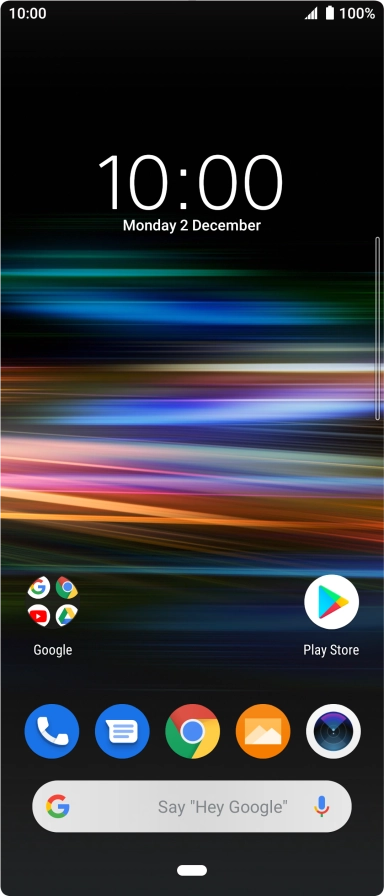
Slide your finger upwards on the screen.
Step 1 of 9

Slide your finger upwards on the screen.

Press Play Store.
Press Play Store.
Step 2 of 9

Press Play Store.

Slide your finger right starting from the left side of the screen.
Step 3 of 9

Slide your finger right starting from the left side of the screen.

Press My apps & games.
Step 4 of 9

Press My apps & games.

Press Installed.
Press Installed.
Step 5 of 9

Press Installed.

Press the required app.
Step 6 of 9

Press the required app.

Press Uninstall.
Press Uninstall.
Step 7 of 9

Press Uninstall.

Press OK.
Press OK.
Step 8 of 9

Press OK.

Press the Home key to return to the home screen.
Step 9 of 9

Press the Home key to return to the home screen.

Get information on...

Or choose...

Show more