iPad (8th Generation)
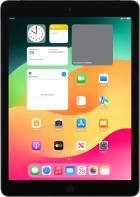





It's not possible to turn on my tablet
Solution 3 of 3: Your tablet isn't turned on correctly
Before you can turn on your tablet, you need to insert your SIM into your tablet.

Press and hold On/Off until your tablet is turned on.

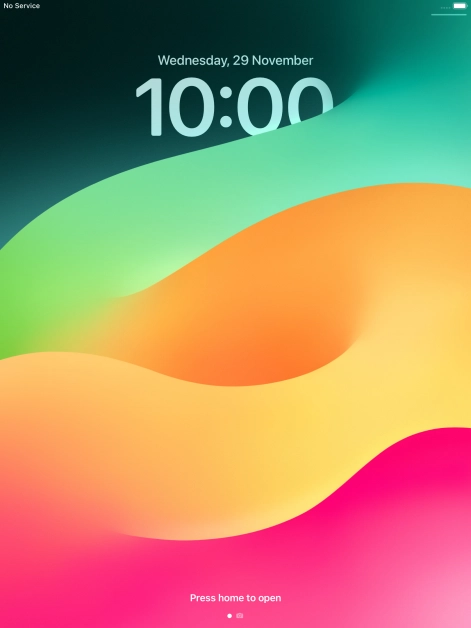
Press the Home key.
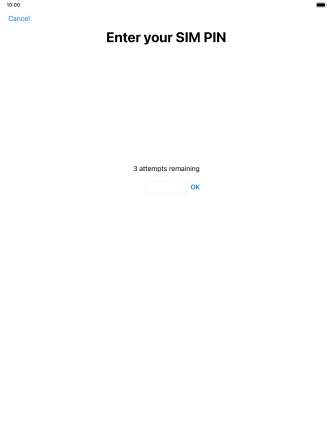
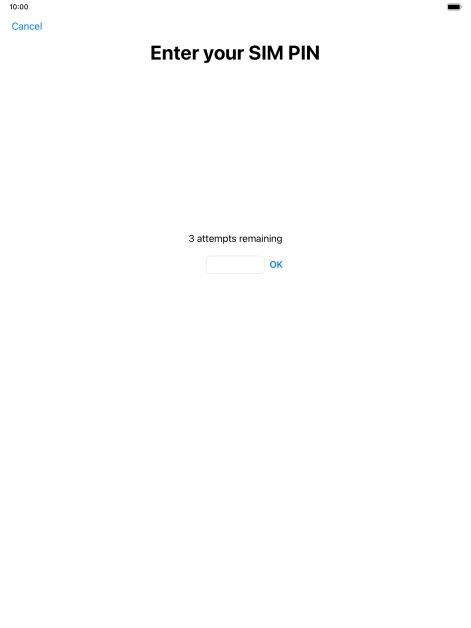
If your SIM is locked, key in your PIN and press OK. The default PIN is 1111.
Press and hold On/Off until the power off icon is displayed.


Press and drag the power off icon right.