


Help
Device guides
Apple
iPad Air 11" (2024)

iPad Air 11" (2024)

f-3106ee63-006e-4620-b6b9-ca2b43036836
f-21cdb3b8-5a47-4d99-a5b4-1c5ce57d3642
f-b14d0191-5ed6-4b0d-b6e5-3022219299e5
f-3c957f7a-99b2-4027-8eb6-8fb05ad02c88
f-035474ed-acab-47de-a800-601d45b1f6c6
f-439b34b7-56a9-4f46-8cd4-524520bfe021
  • Device home
  • Getting started
  • Basic functions
  • Contacts and messages
  • Connectivity
  • Specifications
  • Device home
  • Getting started
  • Basic functions
  • Contacts and messages
  • Connectivity
  • Specifications

Updating tablet software

It's recommended that you update your tablet with the newest software, as the manufacturer continuously corrects errors. It's a good idea to back up the memory first. Before you can update your tablet's software, you need to set up your tablet for internet.
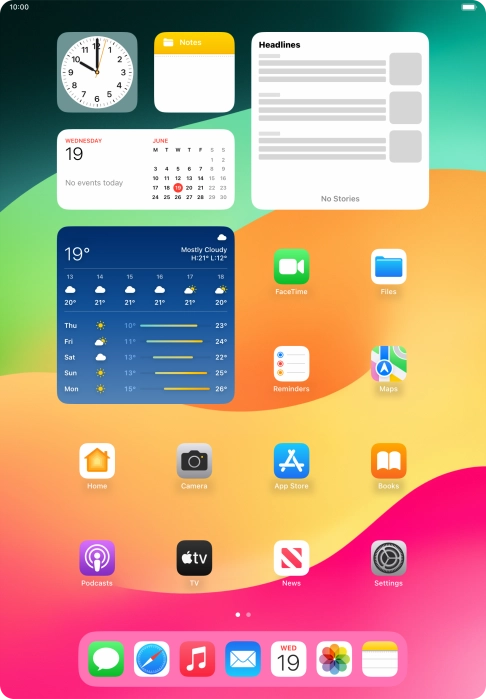
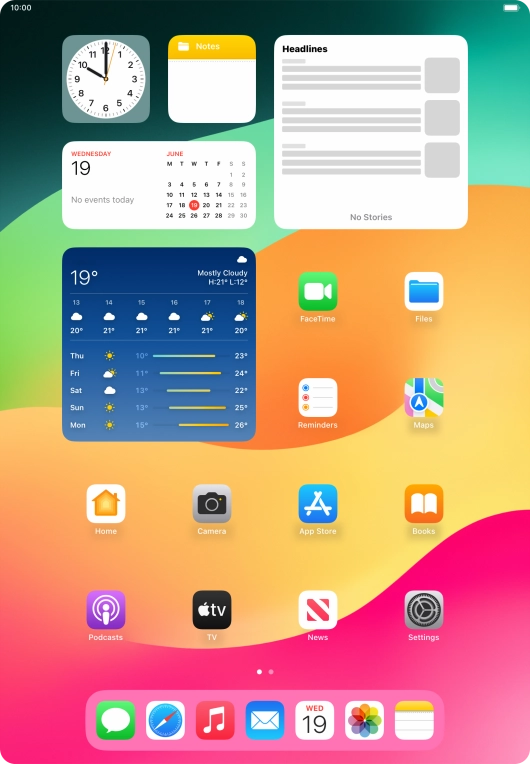
Press Settings.
Press Settings.
Step 1 of 3

Press Settings.

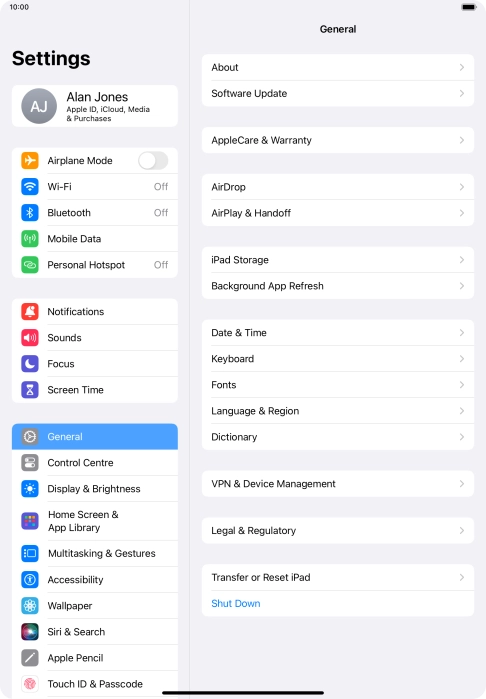
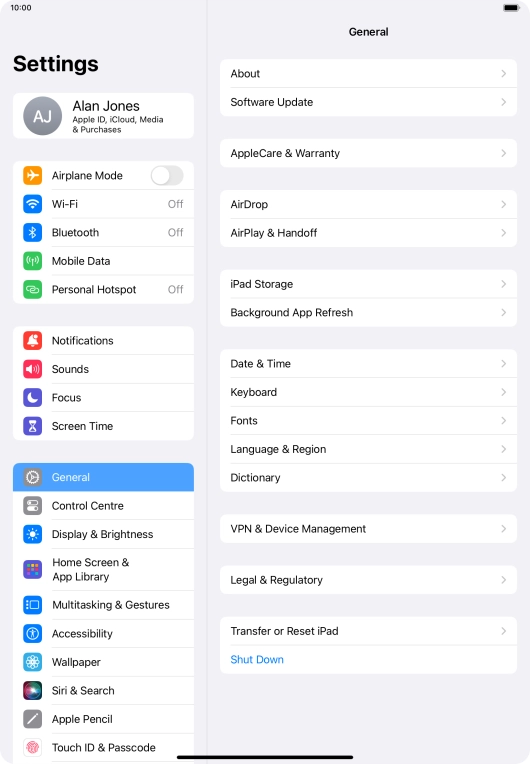
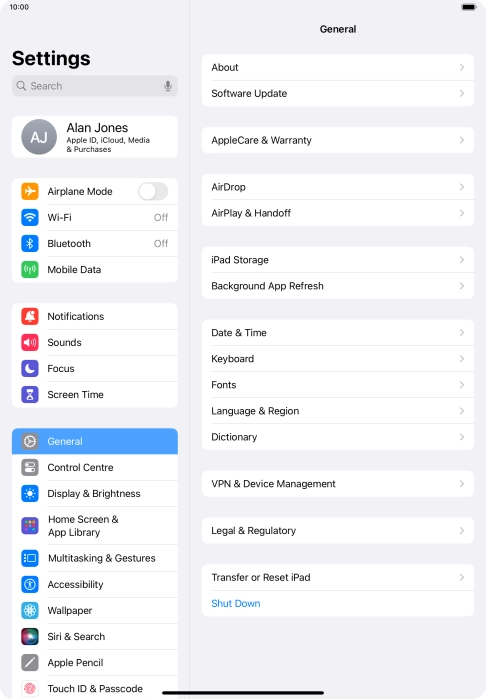
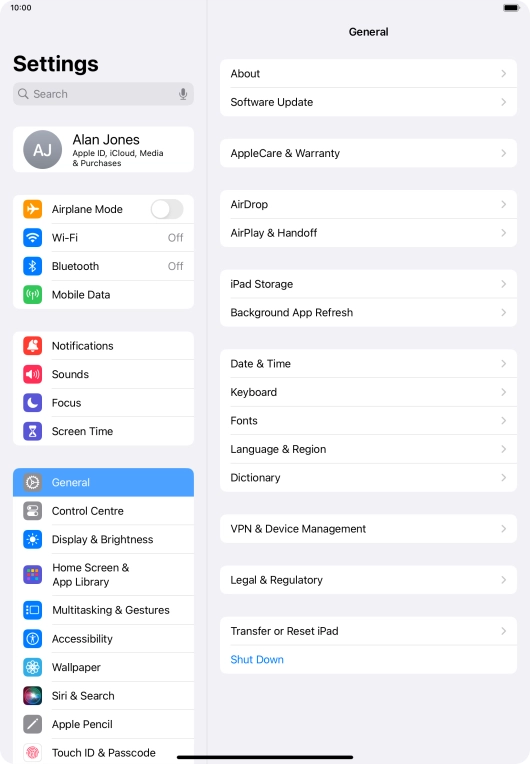
Press General.
Press General.
Step 2 of 3

Press General.

Press Software Update. If a new software version is available, it's displayed. Follow the instructions on the screen to update the tablet software.
Step 3 of 3

Press Software Update. If a new software version is available, it's displayed. Follow the instructions on the screen to update the tablet software.

Get information on...

Or choose...

Show more