




Help
Device guides
Apple
iPad Pro 11 (2021)

iPad Pro 11 (2021)

f-3ac0507f-95da-4693-8705-b3a89fc7161c
f-39f41b3f-ffe8-437e-8d41-6658048b7191
f-51db3d3d-0424-4ae0-b312-3cc130cae418
f-f333274b-69f7-4915-9cac-9c2b5e95a6d3
f-8ff3b87e-c3f5-4d2d-b154-b8d8c4a51513
f-74657c34-490e-4d93-b360-34777db6966a
  • Device home
  • Getting started
  • Basic functions
  • Contacts and messages
  • Connectivity
  • Specifications
  • Device home
  • Getting started
  • Basic functions
  • Contacts and messages
  • Connectivity
  • Specifications

Updating tablet software

It's recommended that you update your tablet with the newest software, as the manufacturer continuously corrects errors. It's a good idea to back up the memory first. Before you can update your tablet's software, you need to set up your tablet for internet.
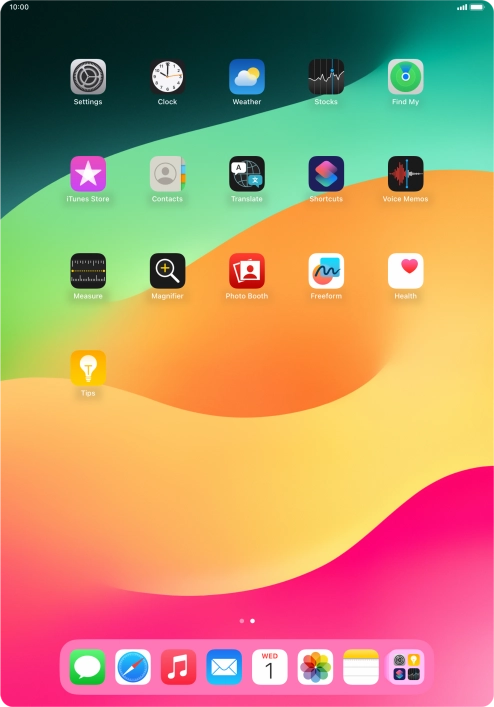
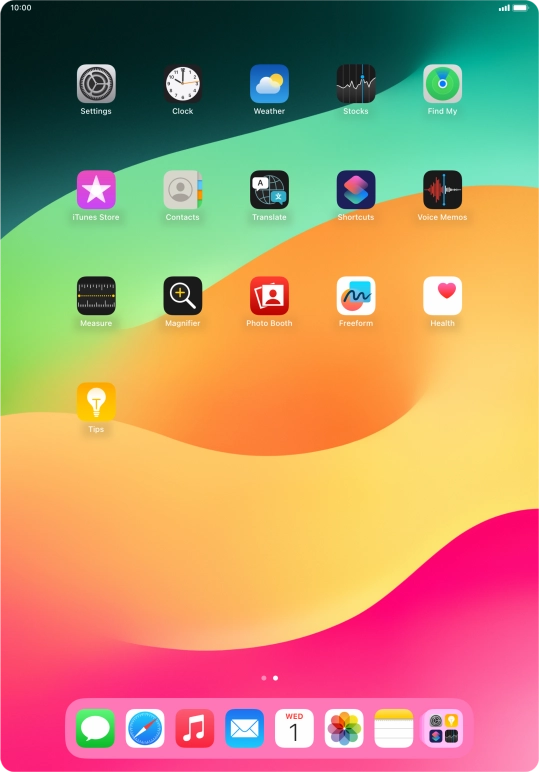
Press Settings.
Press Settings.
Step 1 of 3

Press Settings.

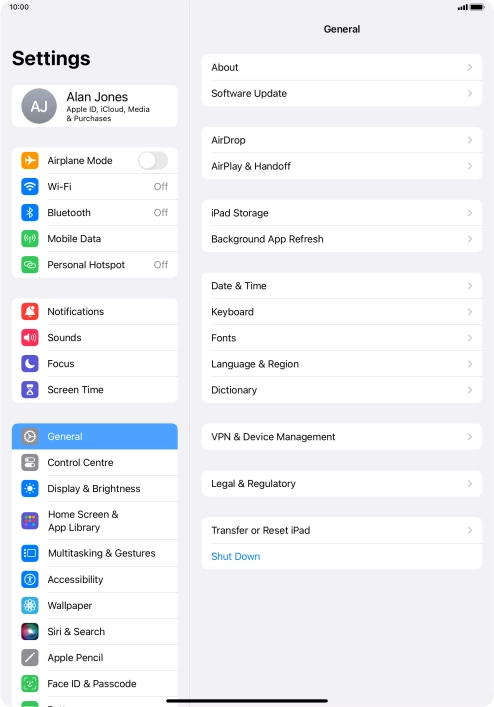
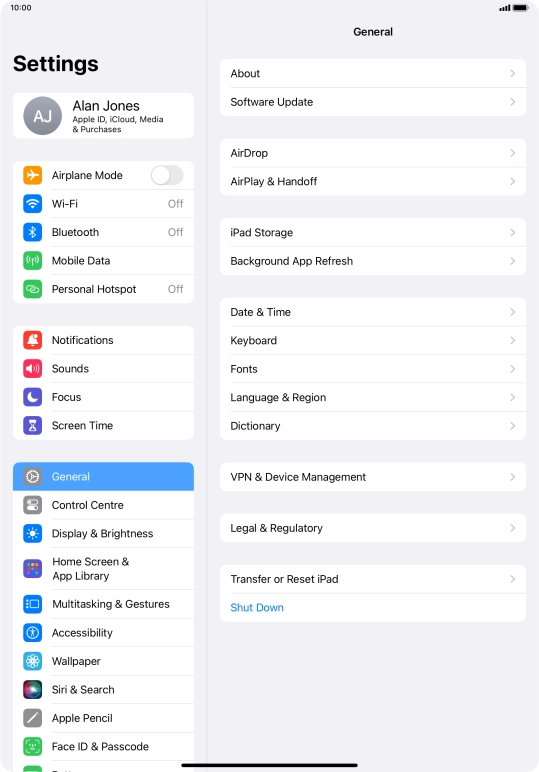
Press General.
Press General.
Step 2 of 3

Press General.

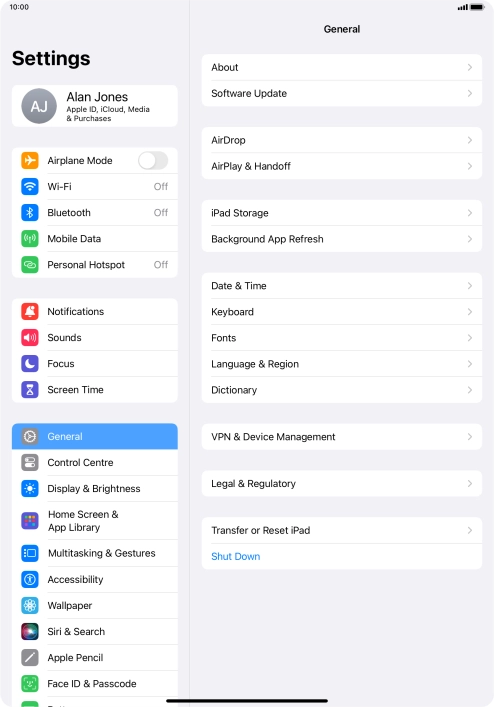
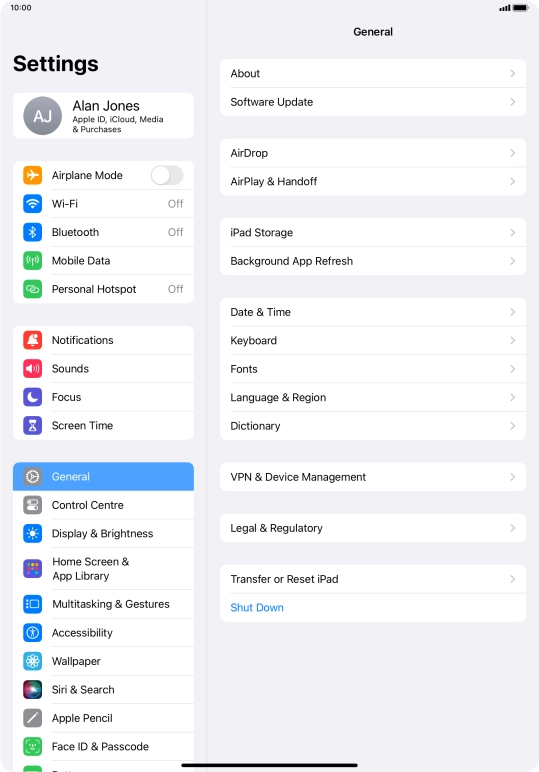
Press Software Update. If a new software version is available, it's displayed. Follow the instructions on the screen to update the tablet software.
Step 3 of 3

Press Software Update. If a new software version is available, it's displayed. Follow the instructions on the screen to update the tablet software.

Get information on...

Or choose...

Show more