




Help
Device guides
Apple
iPad Pro 11 (2025)

iPad Pro 11 (2025)

f-ddaca463-bdc2-43d3-b165-868e3098f154
f-144f9613-607b-40ca-bbca-8390ebb5bd28
f-ae84e403-a911-4879-85d7-03b1e0a15c7a
f-2138d661-922d-47ac-8ac4-c0c66fe139de
f-b2c4fe9c-8481-473f-83ea-4e0861f9bf64
f-63d35b5d-865b-46d9-8a8b-ca16457b7747
  • Device home
  • Getting started
  • Basic functions
  • Contacts and messages
  • Connectivity
  • Specifications
  • Device home
  • Getting started
  • Basic functions
  • Contacts and messages
  • Connectivity
  • Specifications

Updating tablet software

It's recommended that you update your tablet with the newest software, as the manufacturer continuously corrects errors. It's a good idea to back up the memory first. Before you can update your tablet's software, you need to set up your tablet for internet.
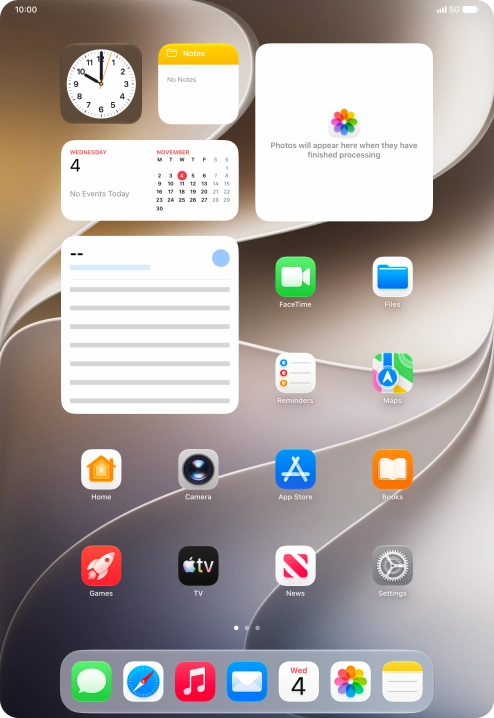
Press Settings.
Press Settings.
Step 1 of 3

Press Settings.

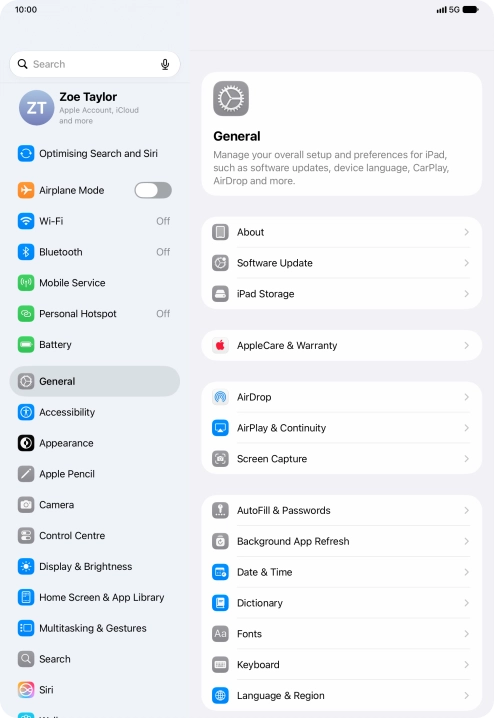
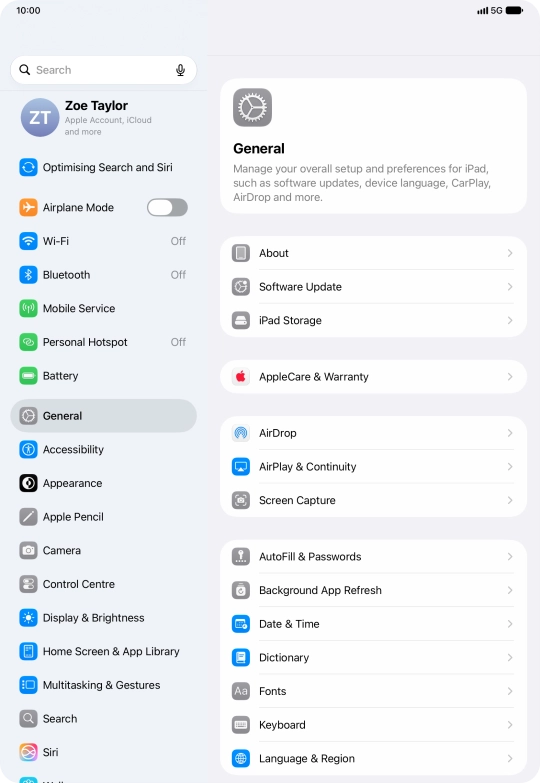
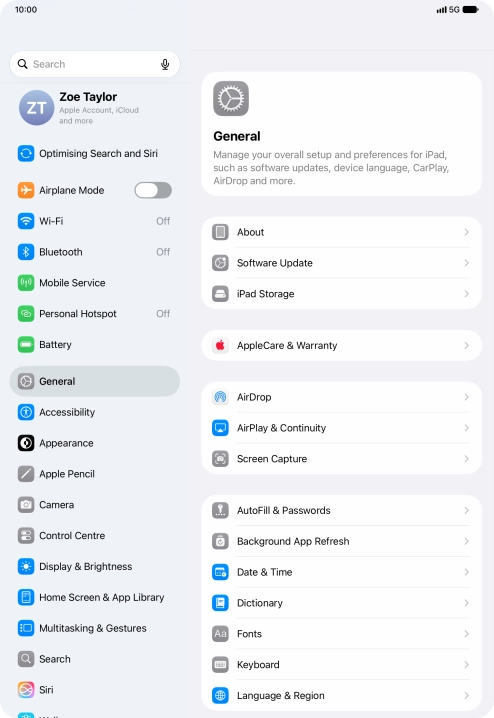
Press General.
Press General.
Step 2 of 3

Press General.

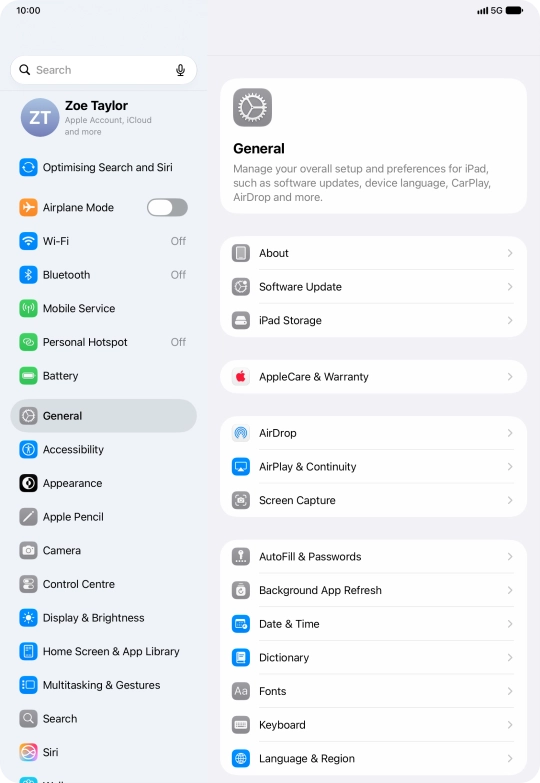
Press Software Update. If a new software version is available, it's displayed. Follow the instructions on the screen to update the tablet software.
Step 3 of 3

Press Software Update. If a new software version is available, it's displayed. Follow the instructions on the screen to update the tablet software.

Get information on...

Or choose...

Show more