iPad Pro 11





Restoring content from an iTunes backup
You can restore content from an iTunes backup when, for instance, you update the tablet software. To restore the content, you need to back up the tablet memory using iTunes. Please note that the following steps are based on Windows OS which means the instructions do not correspond with other operating systems.
Before you connect your tablet and computer, you need to install iTunes on your computer.
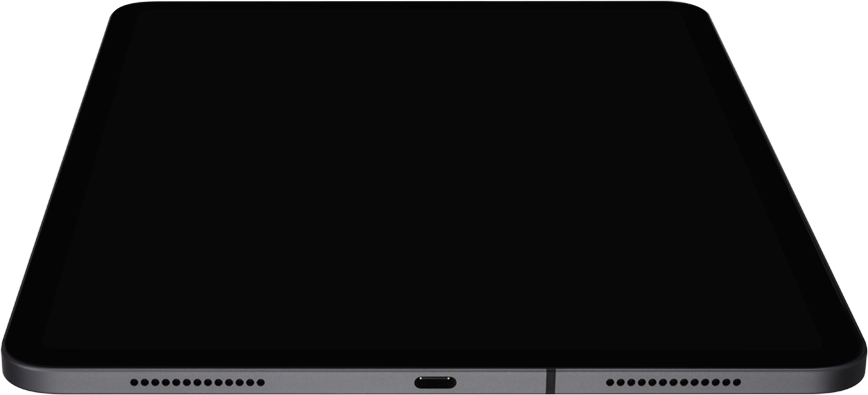
Connect the data cable to the socket and to your computer's USB port.
To restore an iTunes backup, you need to turn off Find My iPad on your tablet.
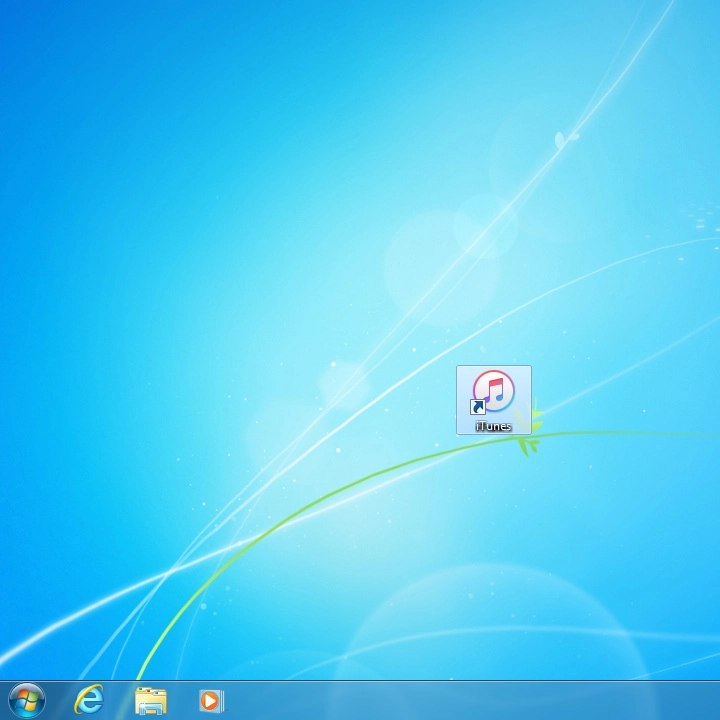
Click iTunes.
To restore an iTunes backup, you need to turn off Find My iPad on your tablet.
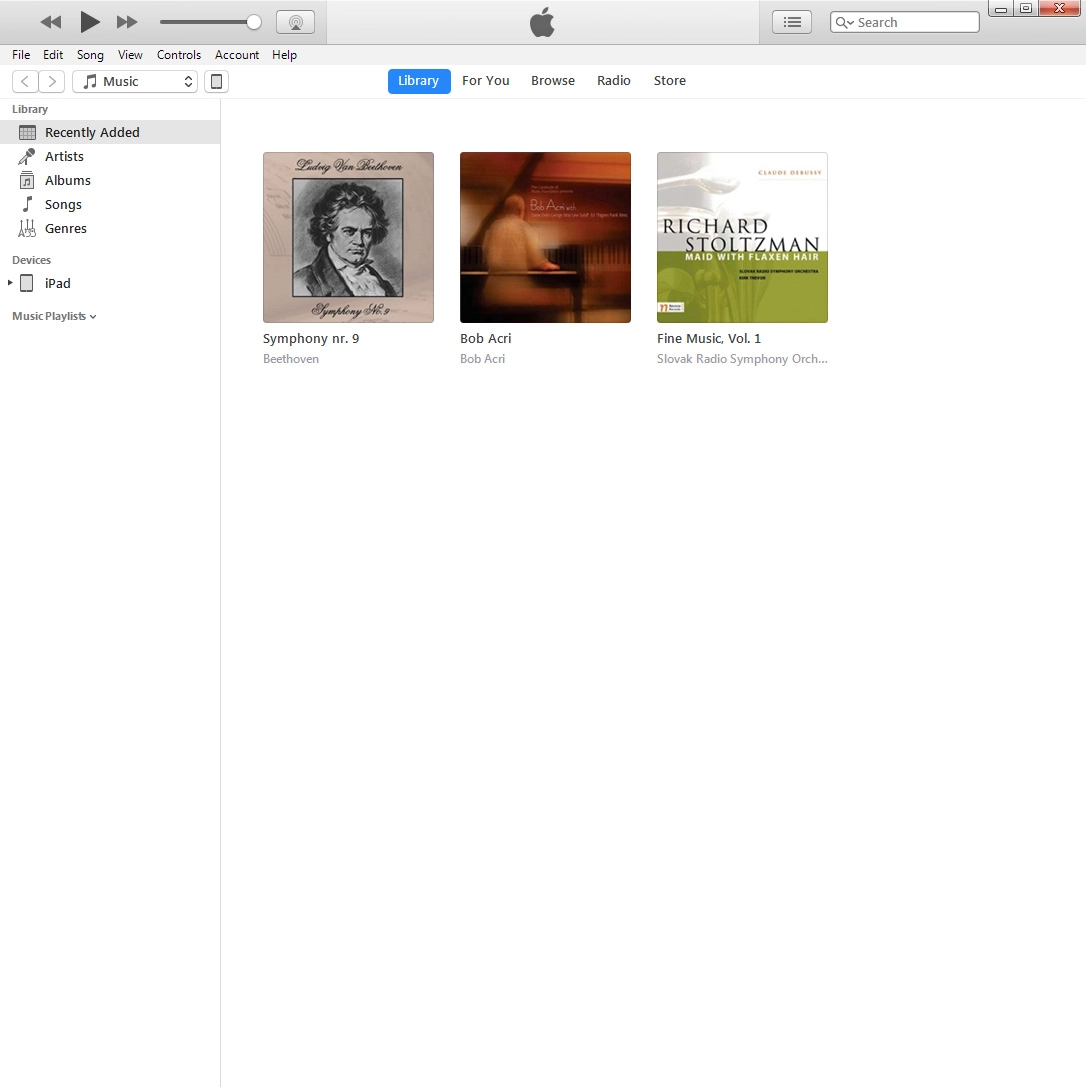
Click the iPad icon.
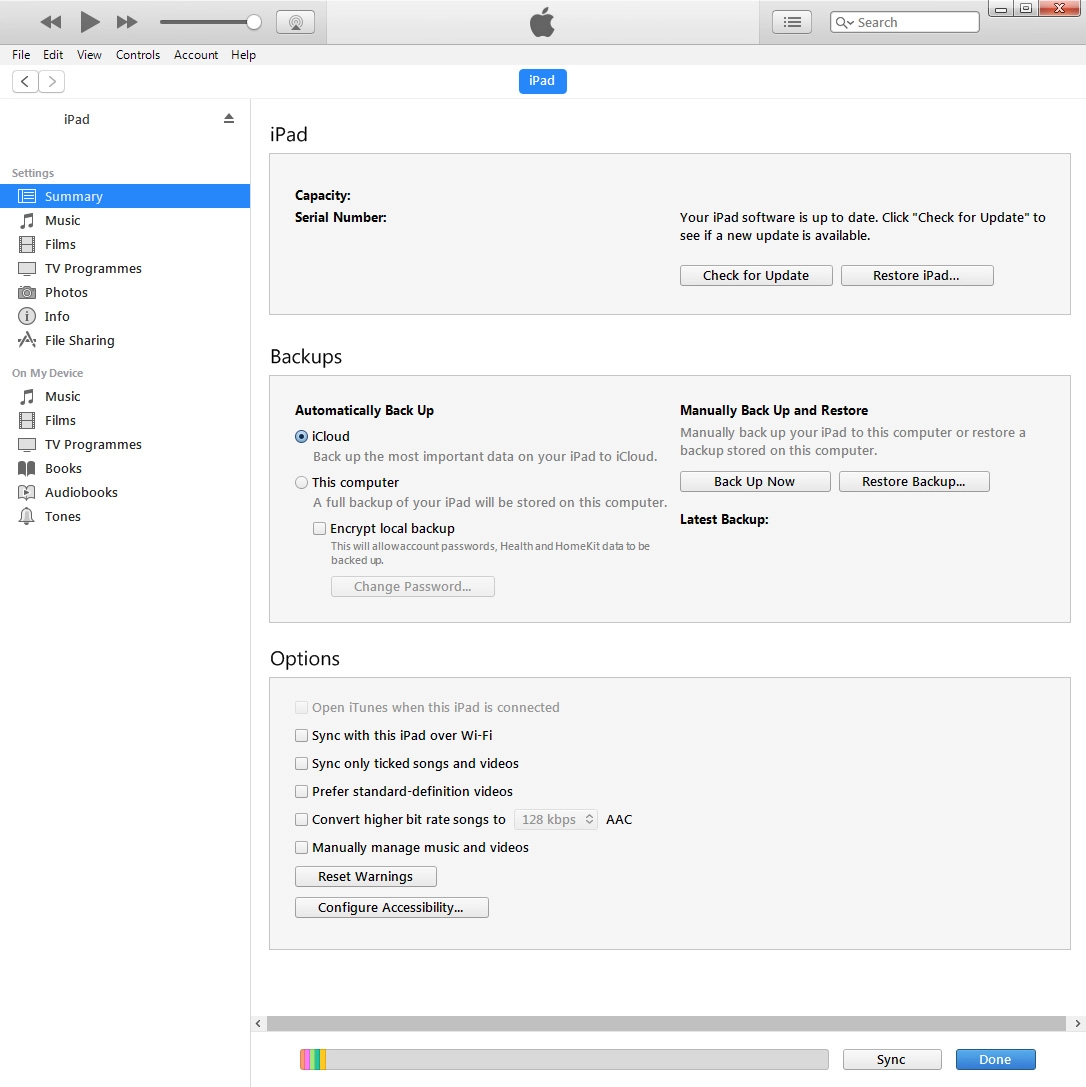
To restore an iTunes backup, you need to turn off Find My iPad on your tablet.
Click Restore Backup.
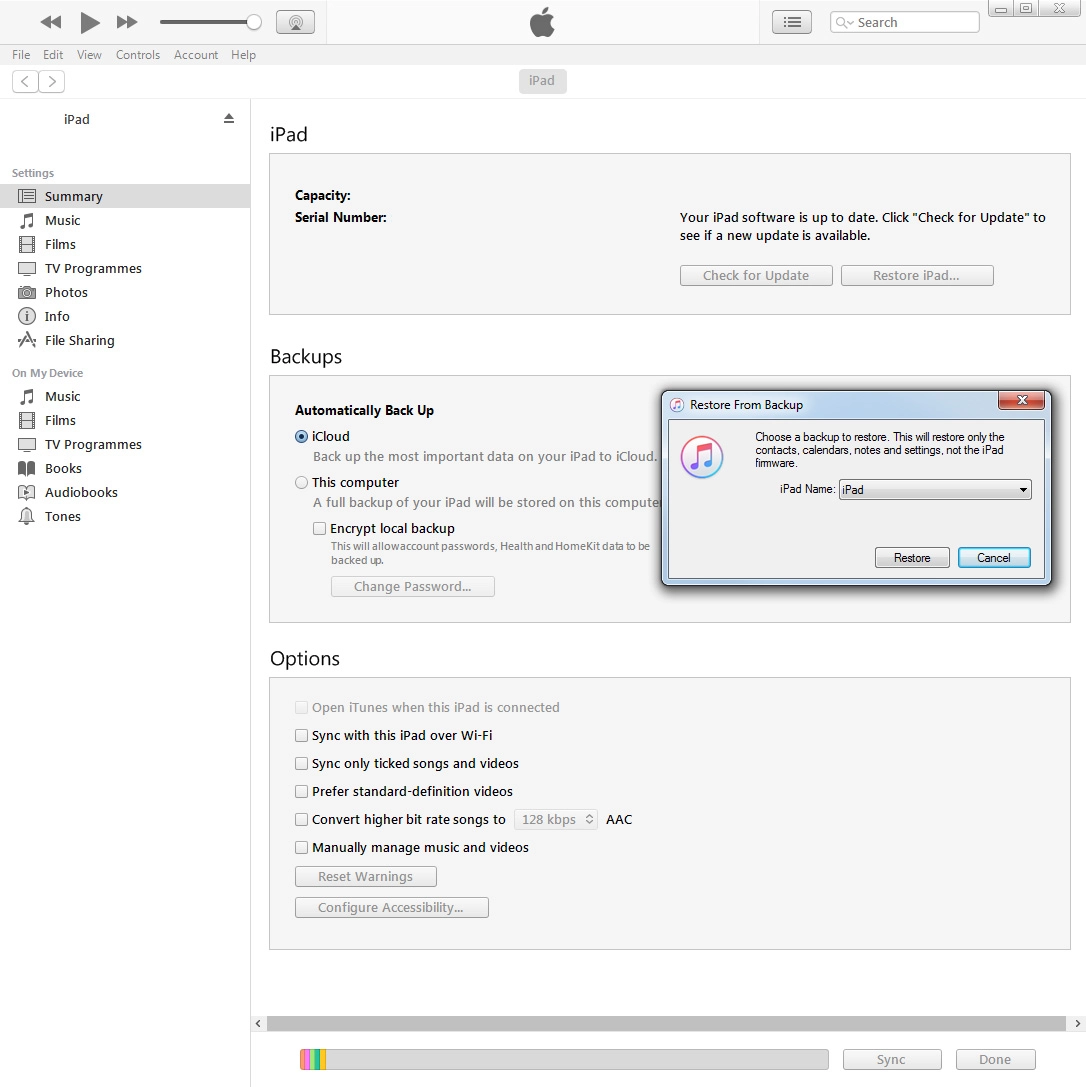
To restore an iTunes backup, you need to turn off Find My iPad on your tablet.
Click the drop down list next to "iPad Name".
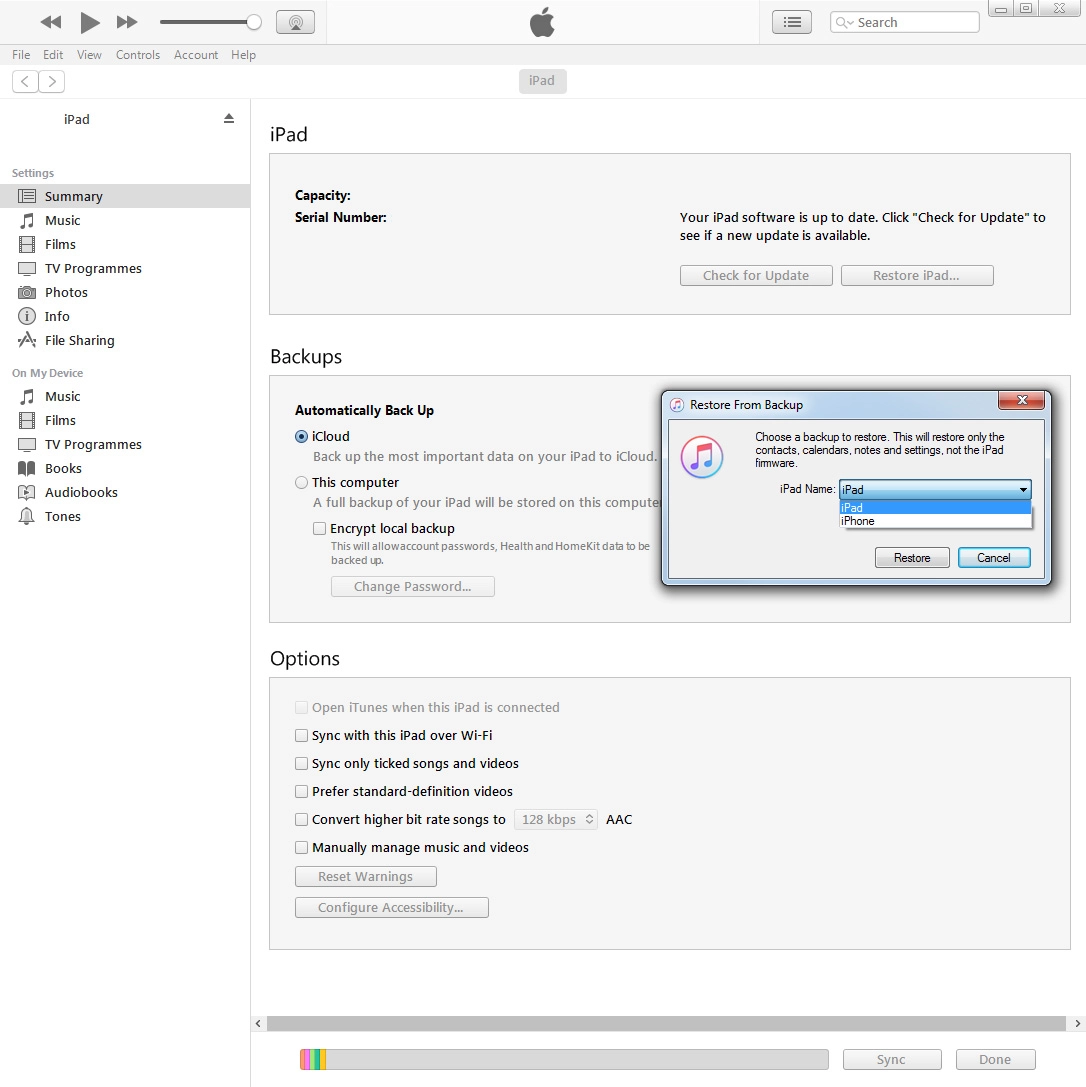
To restore an iTunes backup, you need to turn off Find My iPad on your tablet.
Click the required backup.
To restore an iTunes backup, you need to turn off Find My iPad on your tablet.
Click Restore and your tablet restores the content of the selected backup.