




Help
Device guides
Apple
iPad Pro 13"

iPad Pro 13"

f-399eaf5f-71b5-4b2a-8cfa-ab40b3018adf
f-8ab976a2-228d-4bc6-990b-231ad0c1e08b
f-5fbeda56-3b7e-4a1d-aa56-d64656fe1452
f-25e05825-9ff3-4cea-b54b-fb43c7f46c72
f-ae151690-e87e-40c1-9ec0-b9c50dbc24bb
f-a7640696-a1c7-4cbf-a5d4-d5b2540317dc
  • Device home
  • Getting started
  • Basic functions
  • Contacts and messages
  • Connectivity
  • Specifications
  • Device home
  • Getting started
  • Basic functions
  • Contacts and messages
  • Connectivity
  • Specifications

Updating tablet software

It's recommended that you update your tablet with the newest software, as the manufacturer continuously corrects errors. It's a good idea to back up the memory first. Before you can update your tablet's software, you need to set up your tablet for internet.
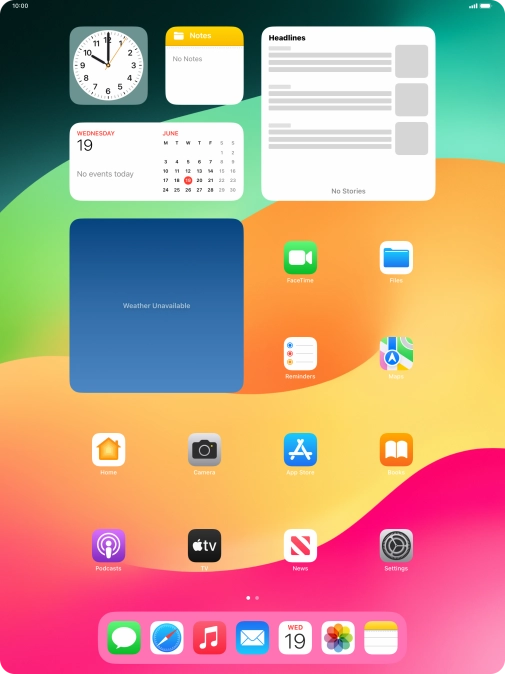
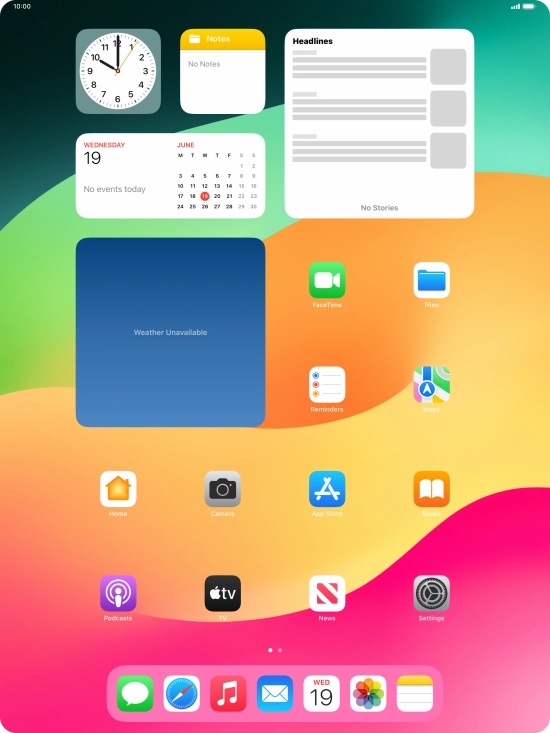
Press Settings.
Press Settings.
Step 1 of 3

Press Settings.

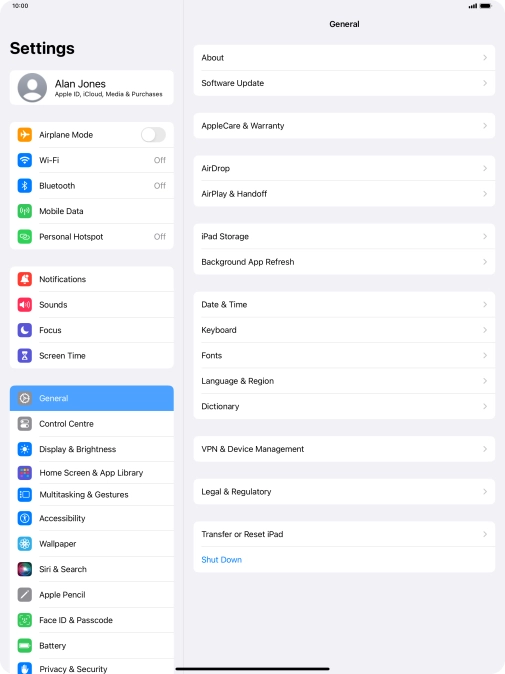
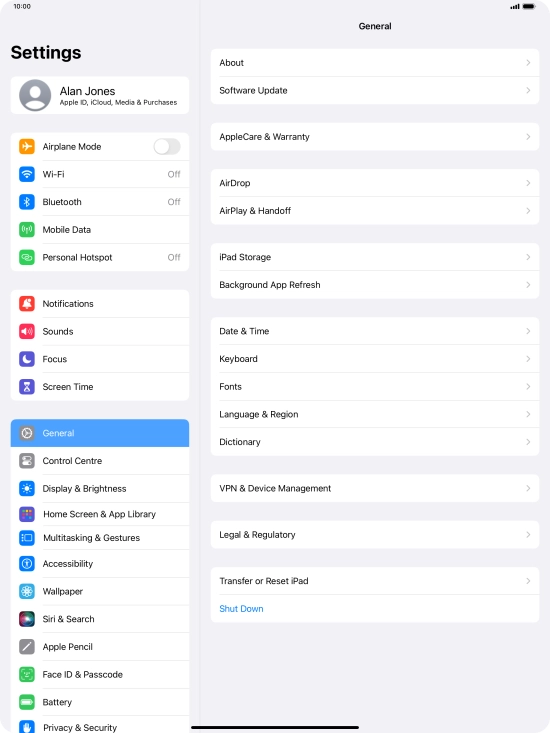
Press General.
Press General.
Step 2 of 3

Press General.

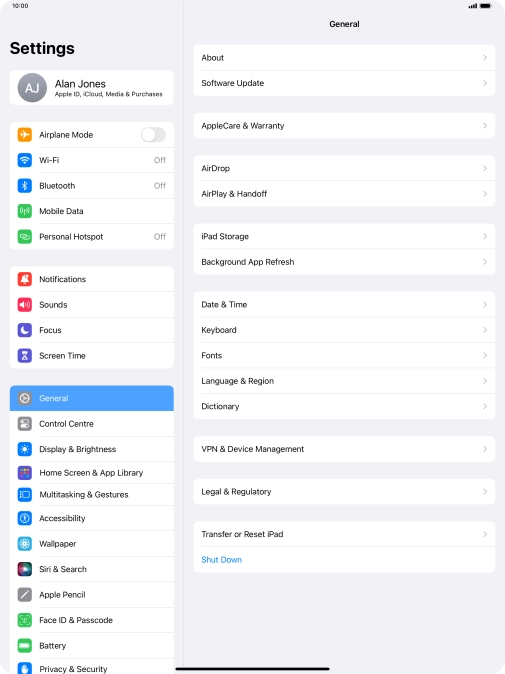
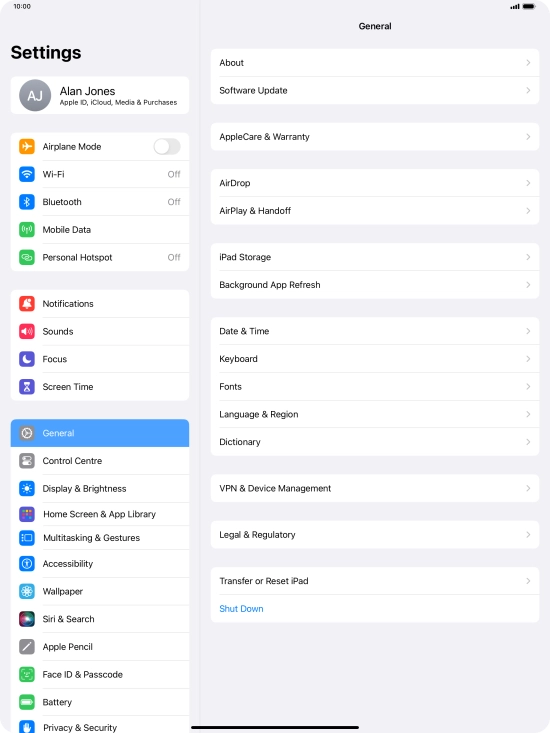
Press Software Update. If a new software version is available, it's displayed. Follow the instructions on the screen to update the tablet software.
Step 3 of 3

Press Software Update. If a new software version is available, it's displayed. Follow the instructions on the screen to update the tablet software.

Get information on...

Or choose...

Show more