Help
Device guides
Apple
iPhone 13

iPhone 13

f-2480569d-0263-4cb5-a675-9d105e80713f
f-b7bce7f0-7433-461f-93c2-b45dc3f3013f
f-3ca5983a-5043-4a0f-8975-e19df73f5e88
f-8007e571-34a2-463d-bb6a-97ab903d986e
f-88fe64a5-d033-42b2-a099-c382051a73a0
f-e2562d1f-6a13-4370-a45c-0aa0c02904bb
  • Device home
  • Getting started
  • Basic functions
  • Calls, contacts, messaging
  • Connectivity
  • Specifications
  • Device home
  • Getting started
  • Basic functions
  • Calls, contacts, messaging
  • Connectivity
  • Specifications

Turning silent mode on or off

When silent mode is turned on, all phone sounds are turned off.
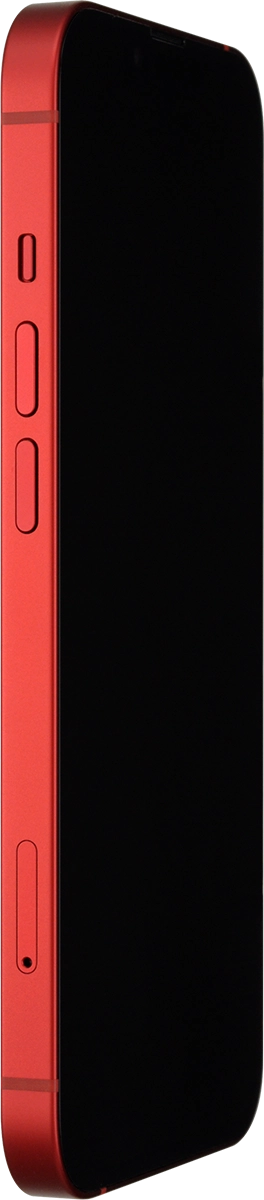
Slide the Silent mode key right or left to turn silent mode on or off.
Step 1 of 1

Slide the Silent mode key right or left to turn silent mode on or off.

Get information on...

Or choose...

Show more