Help
Device guides
Apple
iPhone 13 Pro Max

iPhone 13 Pro Max

f-fec54e55-142d-488a-8b4c-347e02a908dd
f-d78914dd-197a-4e96-aec0-b8f75edca070
f-44c6d572-3578-413b-aa98-ae277e5f67ec
f-91529581-c161-4c66-a67b-530cd5010dcb
f-9a6b9905-60b1-4280-be71-ea5fb192a512
f-66ee72a0-2250-4ecb-8b92-270710eb70d2
  • Device home
  • Getting started
  • Basic functions
  • Calls, contacts, messaging
  • Connectivity
  • Specifications
  • Device home
  • Getting started
  • Basic functions
  • Calls, contacts, messaging
  • Connectivity
  • Specifications

Updating phone software

It's recommended that you update your phone with the newest software, as the manufacturer continuously corrects errors. It's a good idea to back up the phone memory first. Before you can update the phone software, you need to set up your phone for internet.

Press Settings.
Press Settings.
Step 1 of 3

Press Settings.

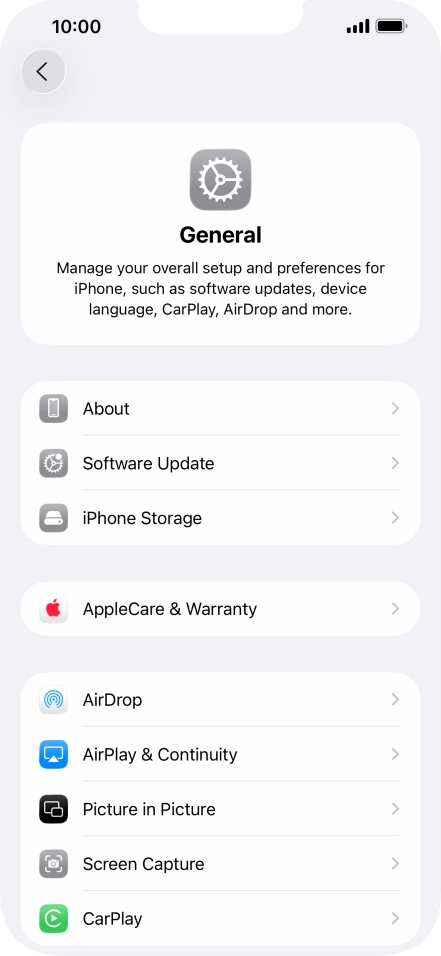
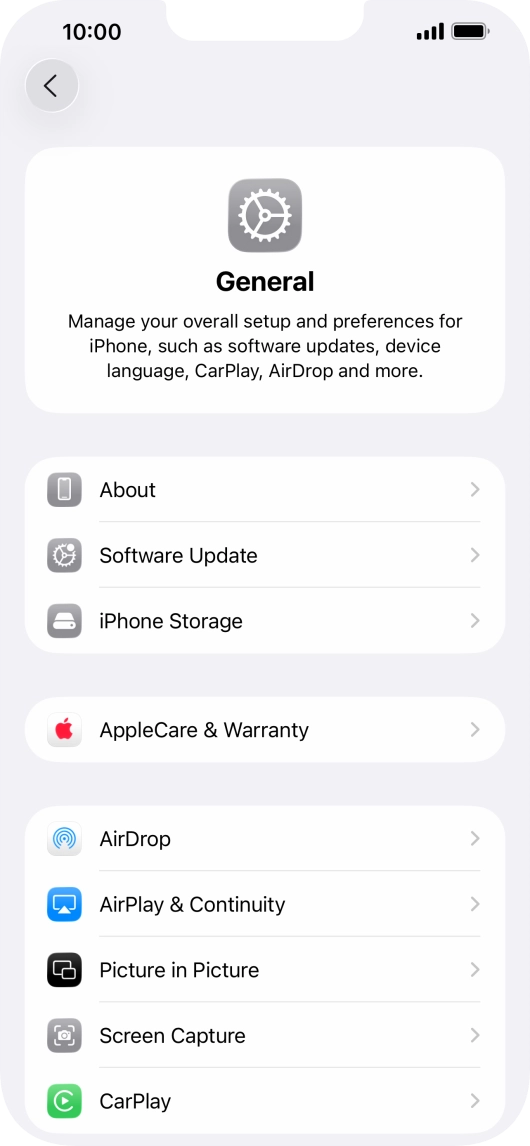
Press General.
Press General.
Step 2 of 3

Press General.

Press Software Update. If a new software version is available, it's displayed. Follow the instructions on the screen to update the phone software.
Step 3 of 3

Press Software Update. If a new software version is available, it's displayed. Follow the instructions on the screen to update the phone software.

Get information on...

Or choose...

Show more