iPhone 15


Selecting FaceTime settings
You can make a video call to another device which supports FaceTime. To select settings for FaceTime, you need to activate your Apple Account on your phone.
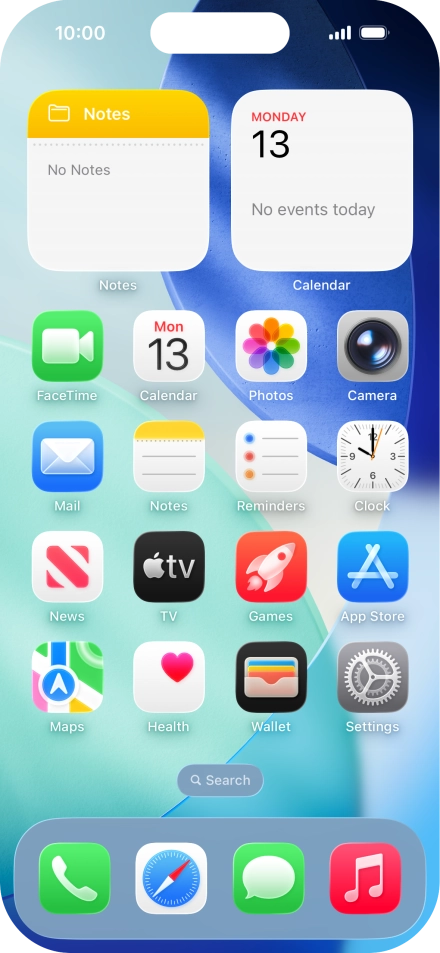
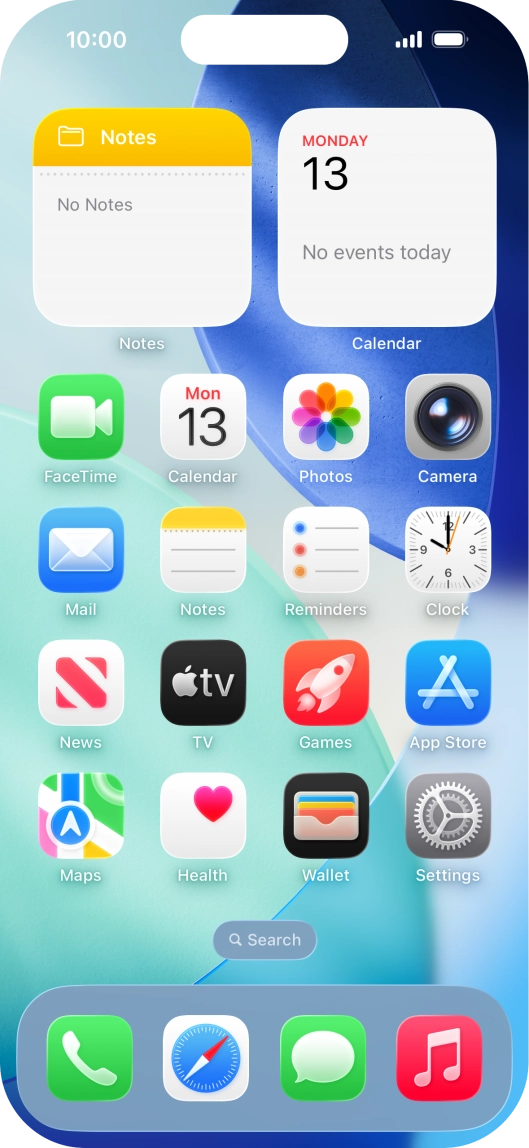
Press Settings.


Press Apps.


Press FaceTime.


Press the indicator next to "FaceTime" to turn the function on or off.
Press the required setting below "Allow FaceTime to Access" and follow the instructions on the screen to allow access for specific apps and functions.


Press the required setting below "You can be reached by FaceTime at".
Press the required setting below "Caller ID".
Press SharePlay.


Press the indicator next to "SharePlay" to turn the function on or off.
Press arrow left.
Press the indicator next to "Speaking" to turn the function on or off.


Press the indicator next to "FaceTime Live Photos" to turn the function on or off.
Press the indicator next to "Eye Contact" to turn the function on or off.
Press the indicator next to "Silence Unknown Callers" to turn the function on or off.


Press Blocked Contacts.


Press Add Blocked Contact and follow the instructions on the screen to block a contact.
Slide your finger upwards starting from the bottom of the screen to return to the home screen.