iPhone 15







Selecting settings for Siri
You can control many of the phone functions with your voice. You can call contacts from the address book, dictate messages and search the internet.
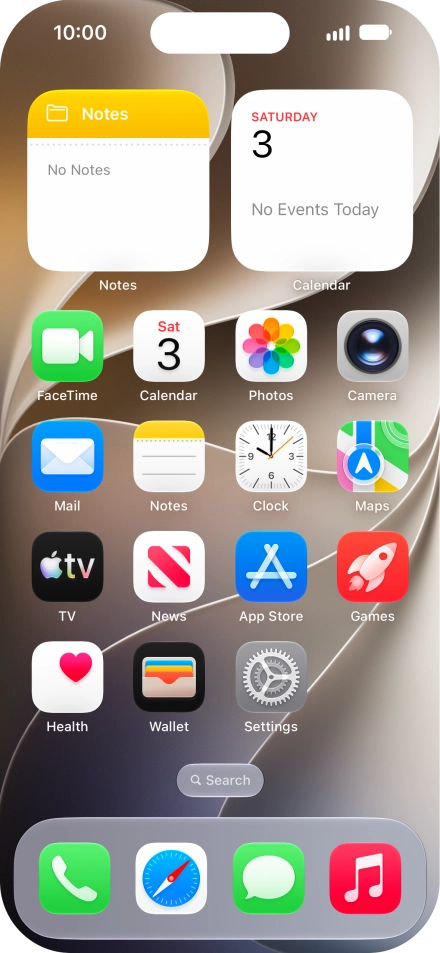
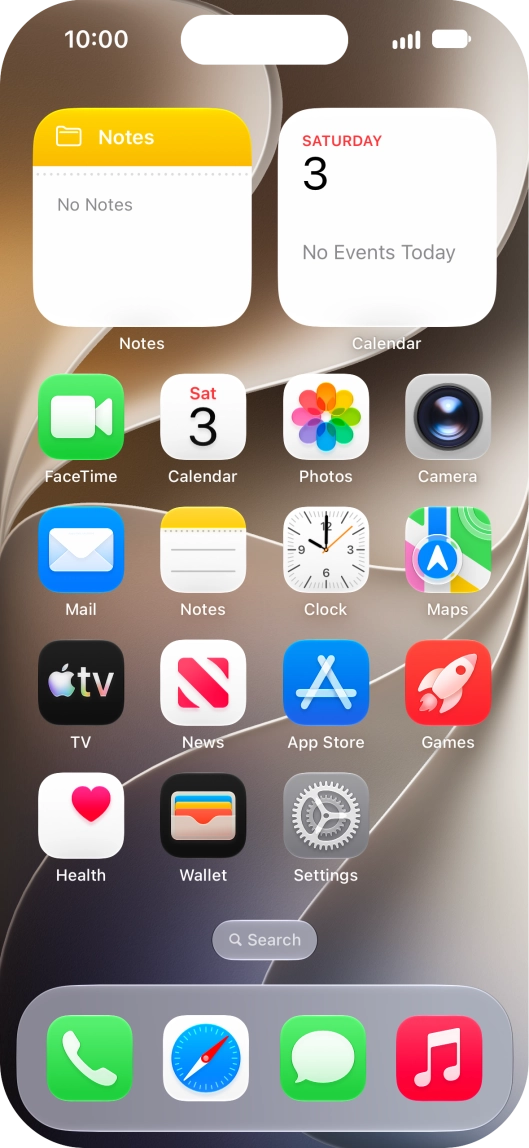
Press Settings.
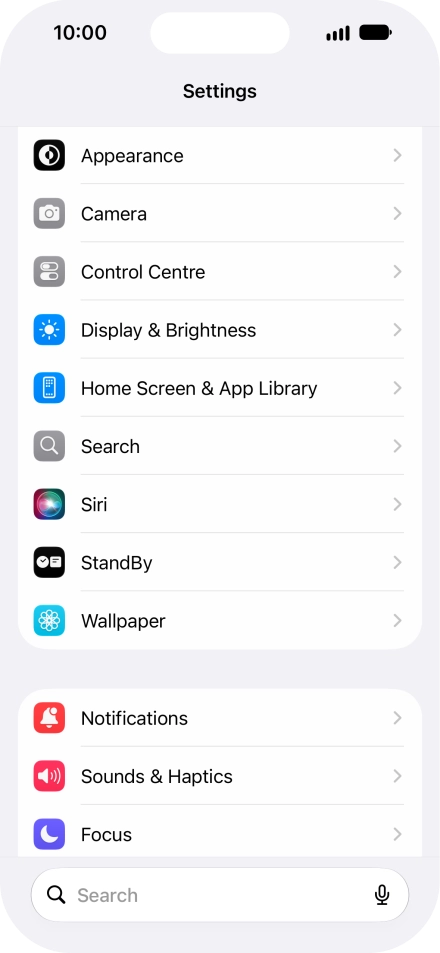
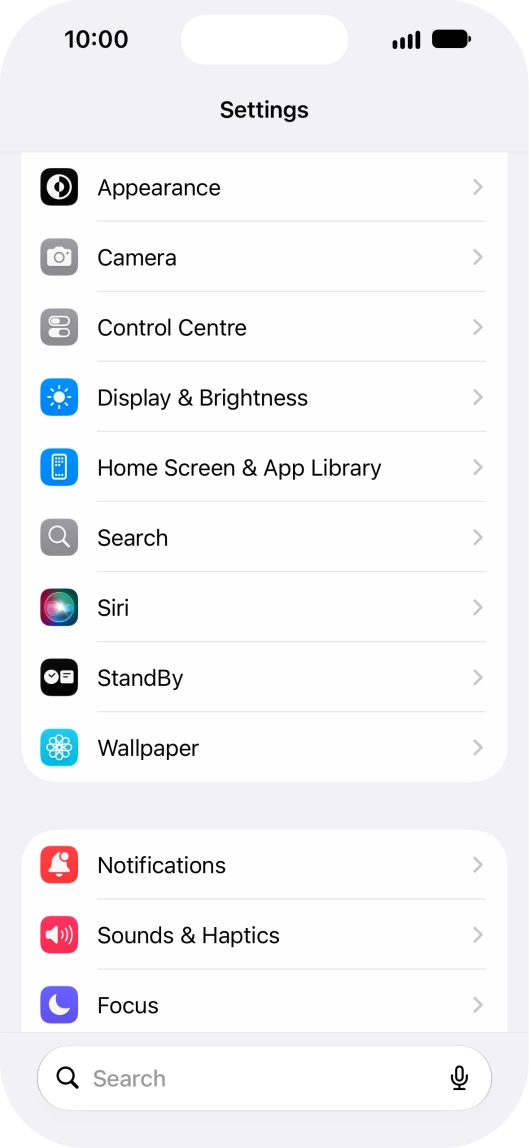
Press Siri.
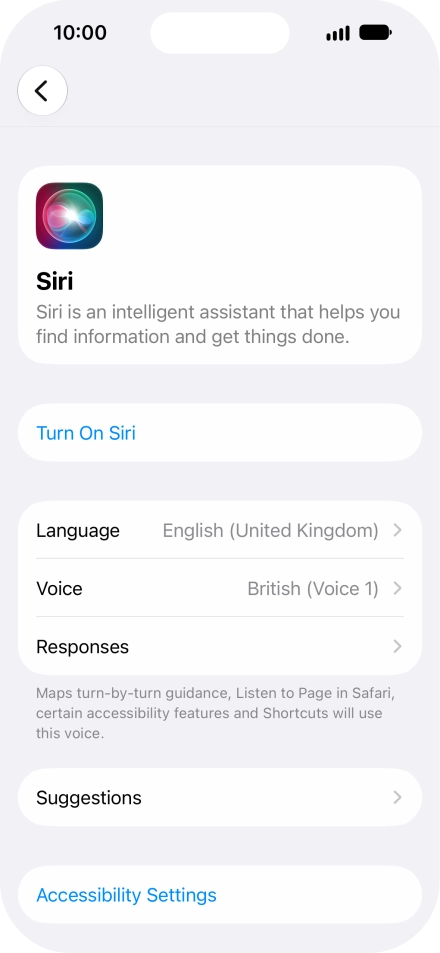
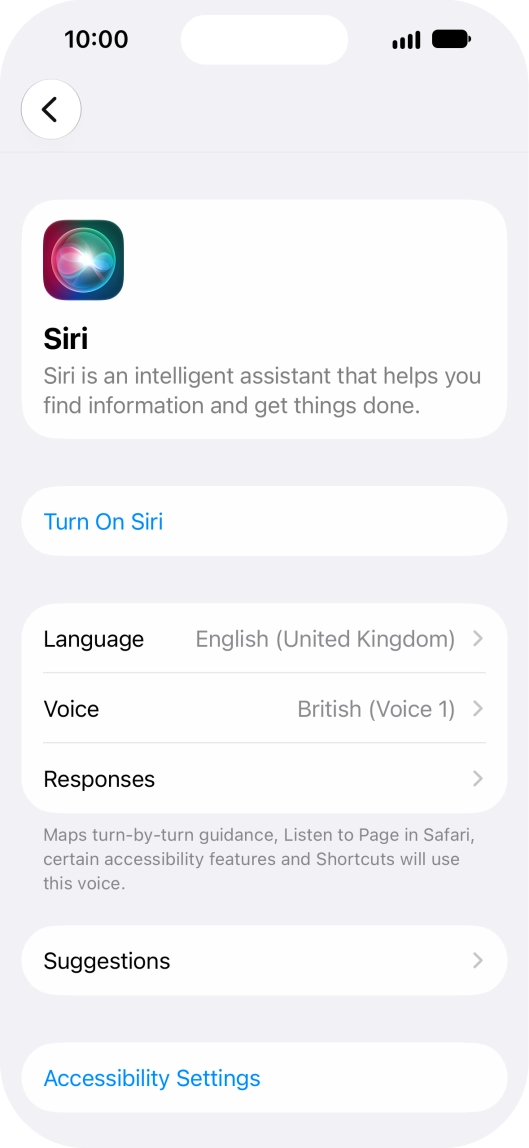
If it's the first time you use Siri, press Turn On Siri.
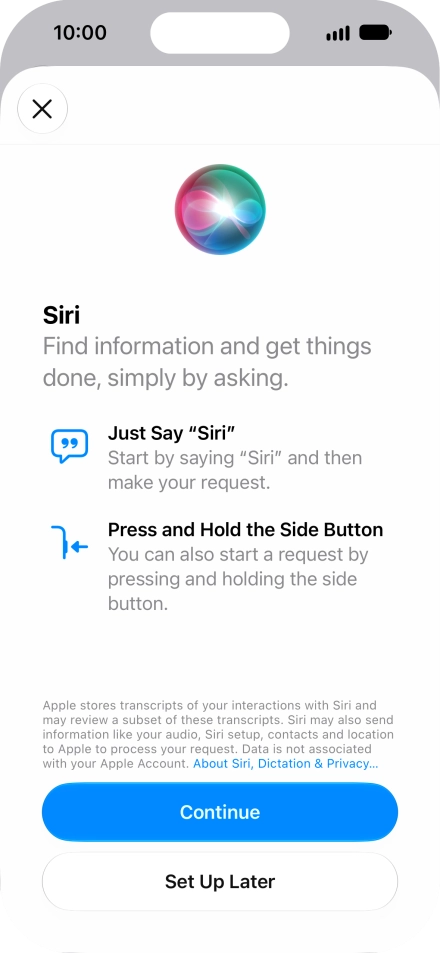
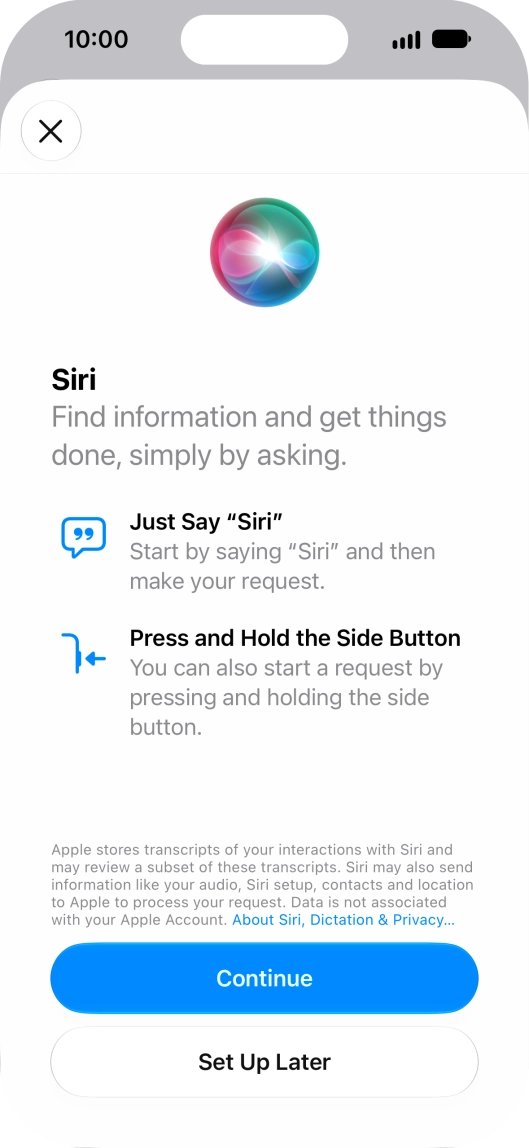
Press Continue and follow the instructions on the screen to turn on the function.
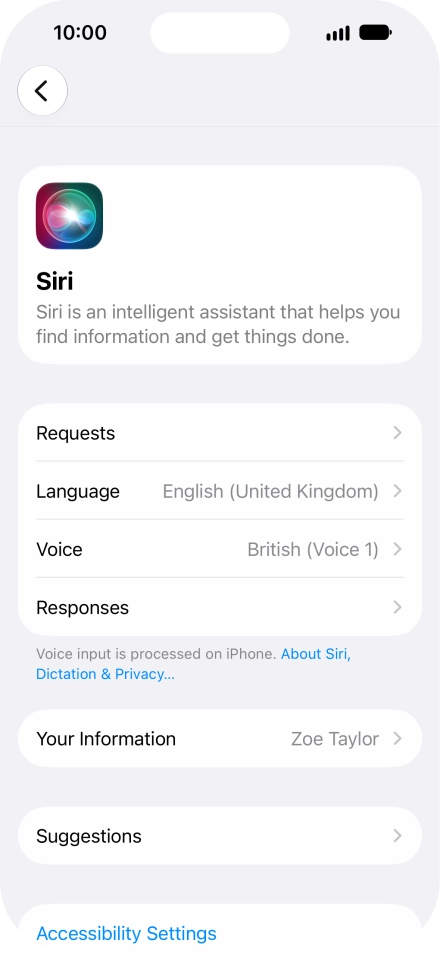
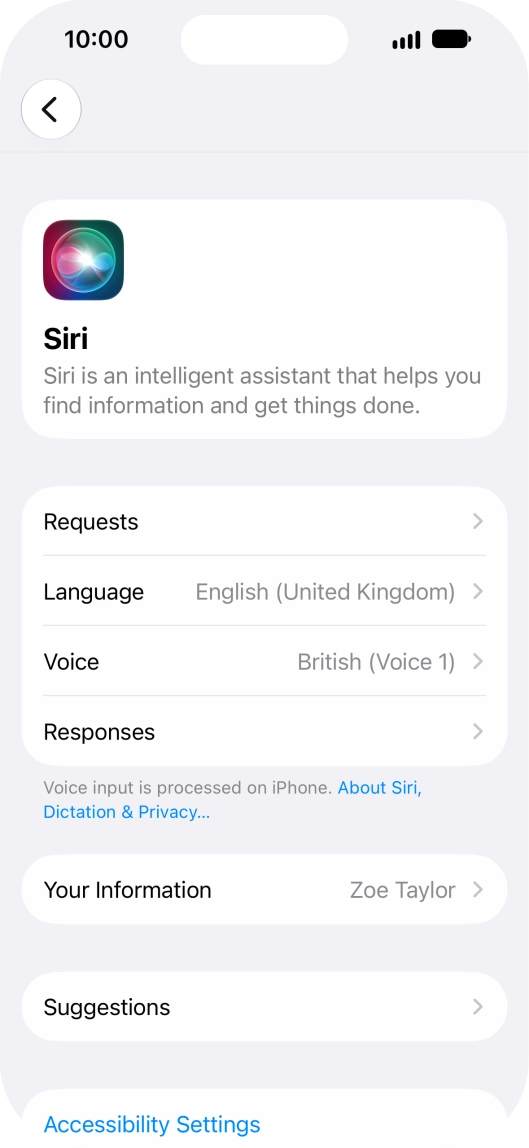
Press Requests.
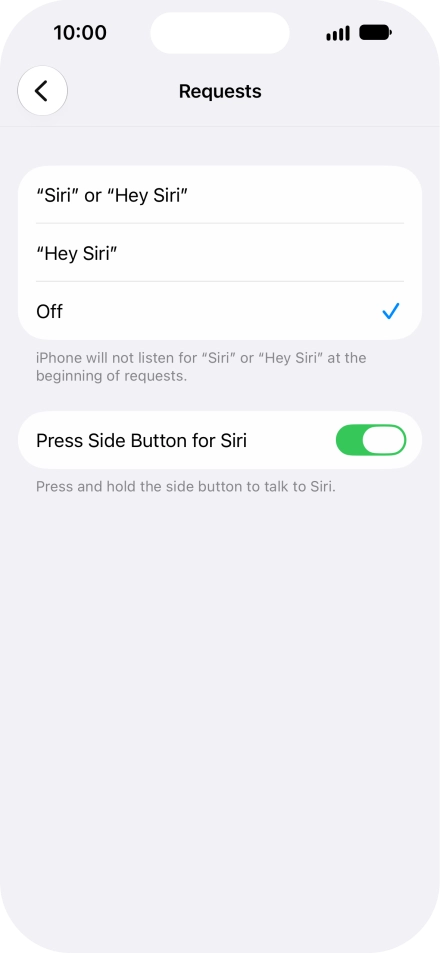
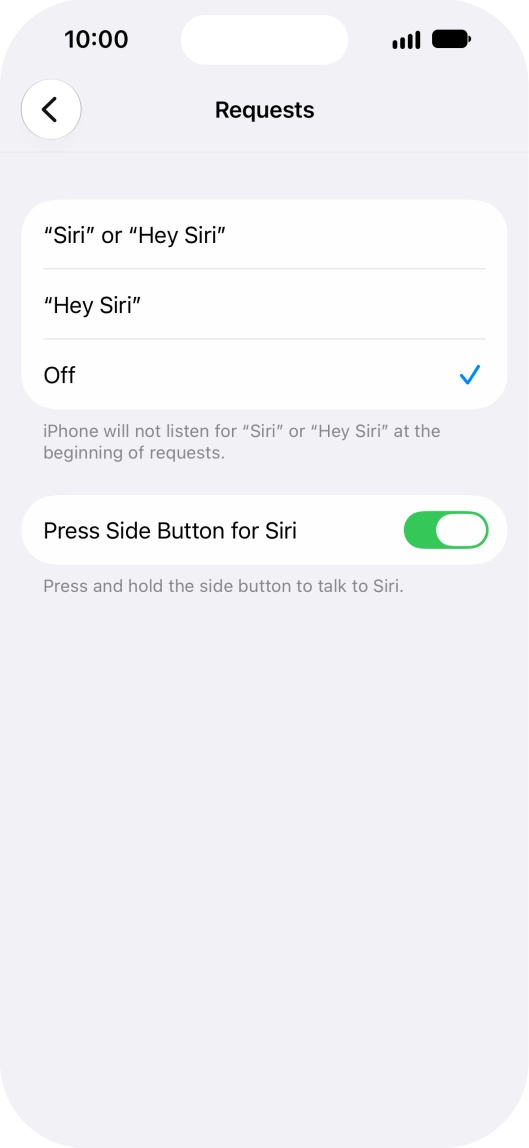
Press the required setting to turn the function on or off. If you turn on the function, you need to follow the instructions on the screen to set up Siri to recognise your voice.
Press the indicator next to "Press Side Button for Siri" to turn activation using the Side button on or off.
Press arrow left.
Press Language and follow the instructions on the screen to select the required language.
Press Voice and follow the instructions on the screen to select the required accent and voice.
Press Responses and follow the instructions on the screen to select the required settings.
Press Your Information.
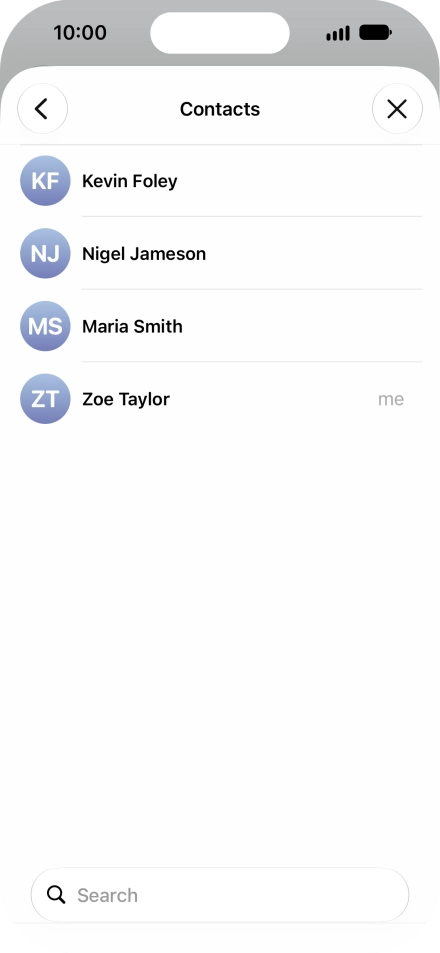

Press the required contact.
Follow the instructions on the screen to select more settings for Siri.
Slide your finger upwards starting from the bottom of the screen to return to the home screen.