iPhone 15 Pro Max


Creating Contact Poster
You can create a Contact Poster which is shared with other Apple users who have you as a contact, for example when you make calls, send iMessages or share your contact details using NameDrop.
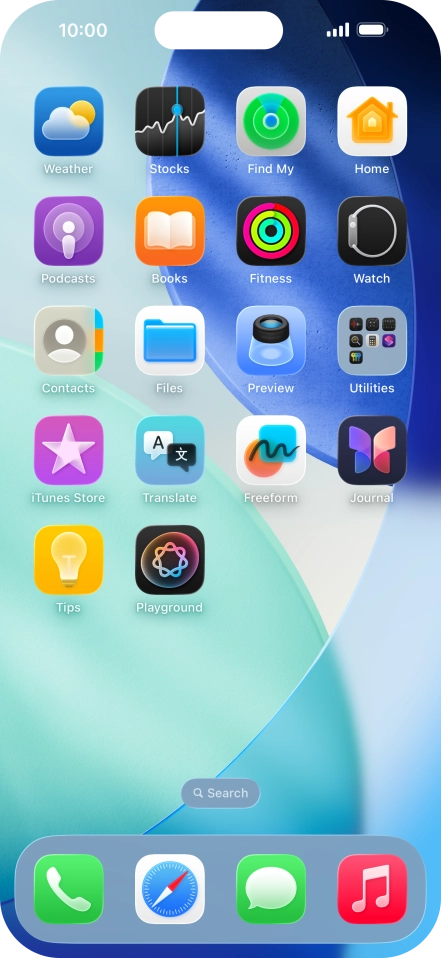
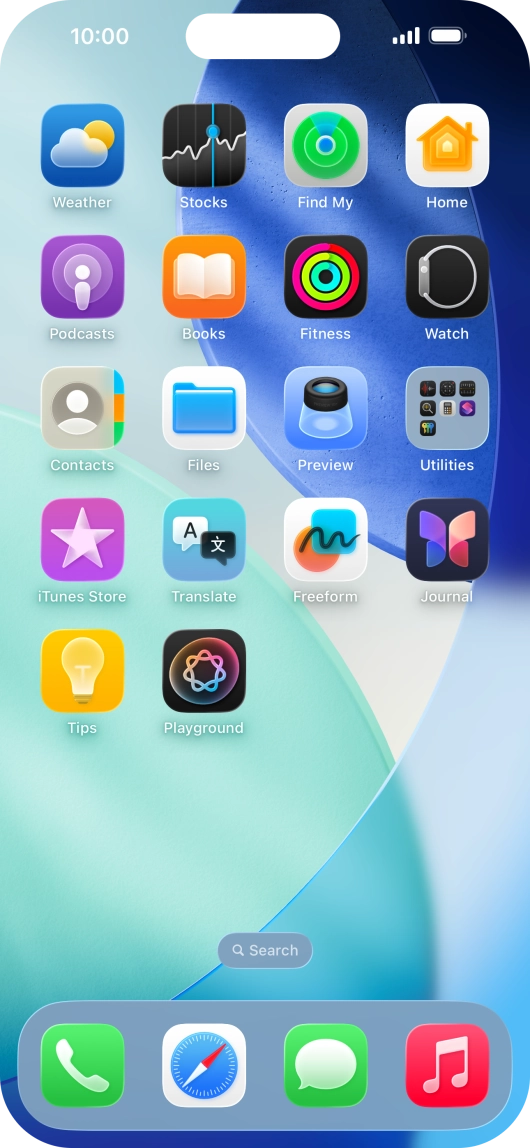
Press Contacts.


Press My Card.


Press Shared Name and Photo.


Press the required category and follow the instructions on the screen to select and save the required picture to your Contact Poster.


Press the name fields and follow the instructions on the screen to edit your name on the Contact Poster.
Press Share Automatically.


Press the required setting.
Press Done.


Slide your finger upwards starting from the bottom of the screen to return to the home screen.