Help
Device guides
Apple
iPhone 17 Pro

iPhone 17 Pro

f-885aef9b-a664-46ab-937b-9f5222990f51
f-8ad24bae-ff79-4348-8f44-ad62e5835021
f-43c25fc8-eda1-40b9-b509-232998f2a53f
f-5a061fcc-65af-4b9a-a480-faf695ddede0
f-d08e6db8-2caf-47dd-8f10-6e107ec17b5c
f-3224778e-e228-4cf0-bd8e-82ff946fecda
f-d0359056-a6c4-4a86-b7c7-d62ad60586cc
f-f00d0e3c-0dab-4abf-84c7-6d39c34c523f
  • Device home
  • Getting started
  • Basic functions
  • Calls, contacts, messaging
  • Connectivity
  • Specifications
  • Device home
  • Getting started
  • Basic functions
  • Calls, contacts, messaging
  • Connectivity
  • Specifications

Turning on Visual Voicemail

Using Visual Voicemail, you can see a list of the messages you've received on your voicemail, play them back or delete them. You can also record a personal greeting or select a default greeting.
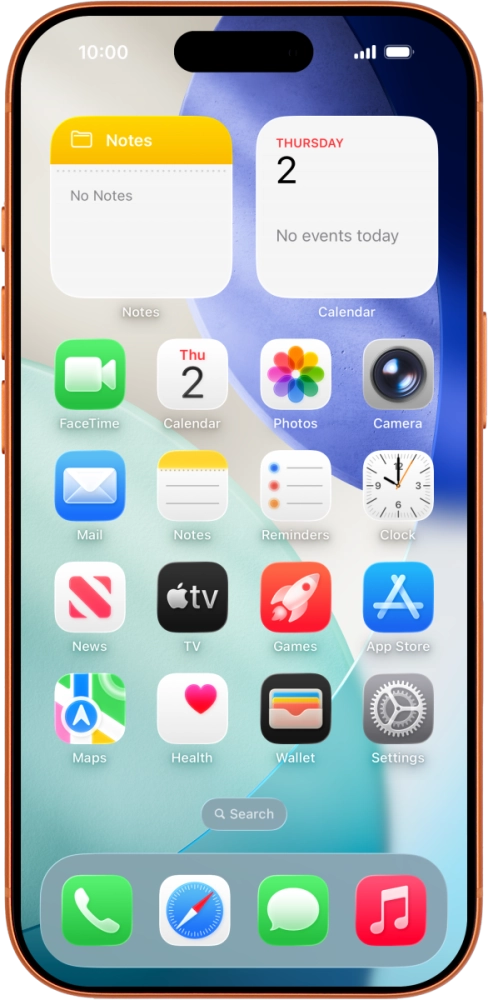
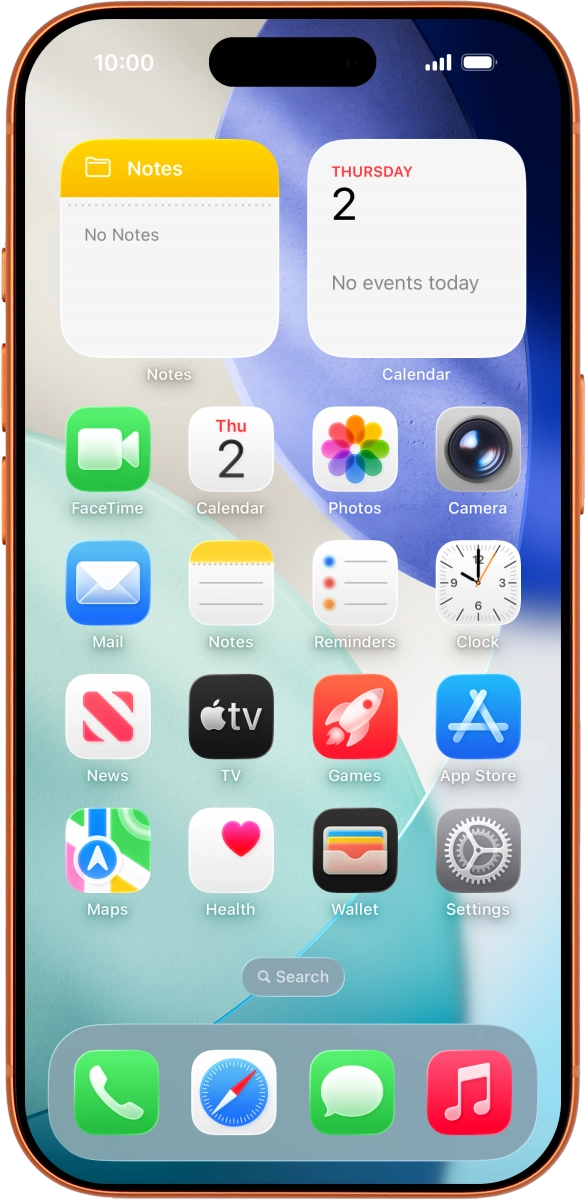
Apple iPhone 17 Pro
Apple iPhone 17 Pro
Step 1 of 1

Send a text message with the text IPHONE VISUAL to 150. You will receive a text message from us when your Visual Voicemail has been turned on.

Get information on...

Or choose...

Show more