


Help
Device guides
Apple
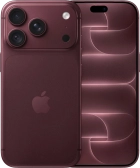
iPhone 18 Pro

iPhone 18 Pro

f-c0d82afd-92ed-4142-826d-18947cb52929
f-e5905092-1405-4e7f-ac80-2a4b8ba0111d
f-2483b08e-e63f-41ee-aa5f-f75e29e4420f
f-9f481afa-8df5-42f3-b38b-6f80bd9ee8c7
f-9e6c328b-3f4d-46b8-968a-886814a4c8e3
f-9a1517d1-e0b4-4516-b839-6640d204fbc6
f-4ffdbffe-5984-4711-9209-2797dc5ca54e
f-ed5aba1e-8164-47e4-a7aa-d110cc7d0944
  • Device home
  • Getting started
  • Basic functions
  • Calls, contacts, messaging
  • Connectivity
  • Specifications
  • Device home
  • Getting started
  • Basic functions
  • Calls, contacts, messaging
  • Connectivity
  • Specifications

It's not possible to use my Visual Voicemail

Solution 1 of 8: Your Visual Voicemail hasn't been turned on

Using Visual Voicemail, you can see a list of the messages you've received on your voicemail, play them back or delete them. You can also record a personal greeting or select a default greeting.
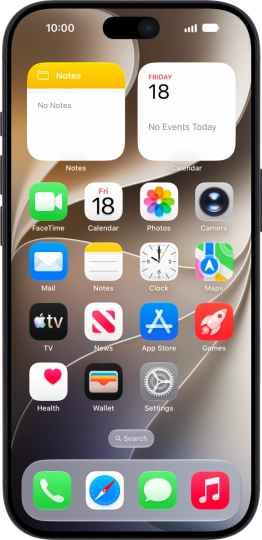
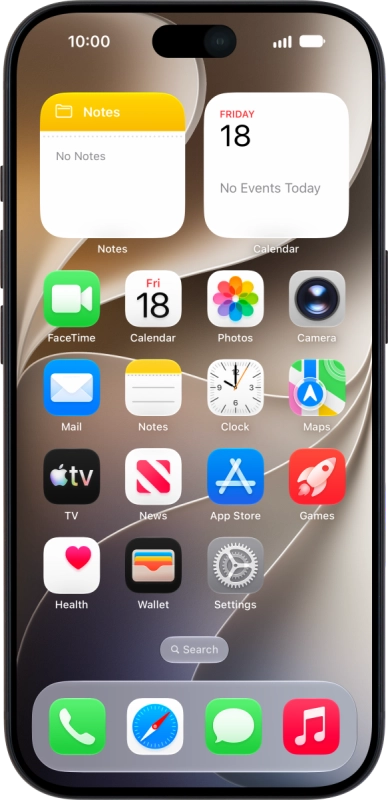
Apple iPhone 18 Pro
Apple iPhone 18 Pro
Step 1 of 1

Send a text message with the text IPHONE VISUAL to 150. You will receive a text message from us when your Visual Voicemail has been turned on.


Did this solve your problem?

Yes No

Get information on...

Or choose...

Show more