Help
Device guides
Apple
iPhone SE 5G

iPhone SE 5G

f-8866f913-8b28-4b38-9e2c-3daa6f5a4c6e
f-e125f5d5-1fe7-4239-9d50-ad611ee25f00
f-3637621b-6536-4e87-b9aa-a9e455266dec
f-1d32fbc1-46ac-44f6-816b-837d2b5a2f49
f-837dc7ab-ff38-4f7f-a523-066157007cc8
f-1090b2fc-4aed-4e48-86a6-938d5e8b817f
  • Device home
  • Getting started
  • Basic functions
  • Calls, contacts, messaging
  • Connectivity
  • Specifications
  • Device home
  • Getting started
  • Basic functions
  • Calls, contacts, messaging
  • Connectivity
  • Specifications

Diverting calls to voicemail

To receive voice messages, you need to divert your calls to your voicemail.

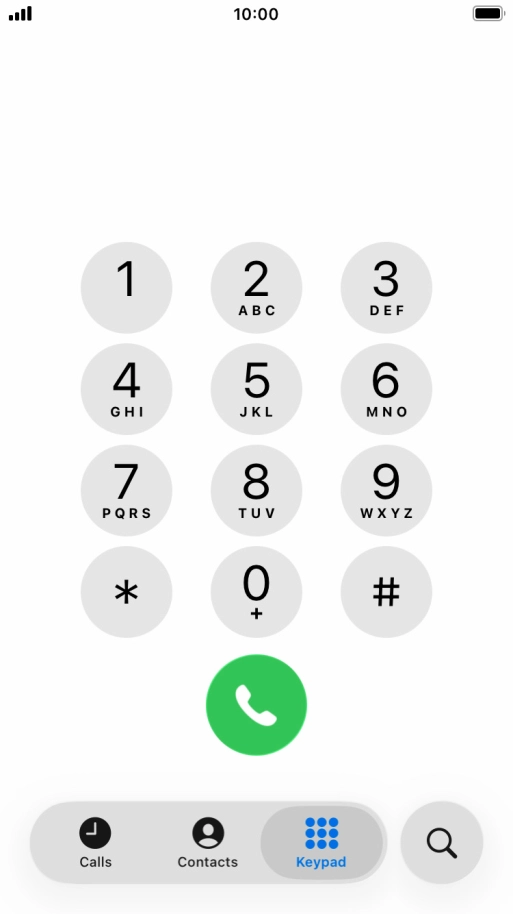
Press the phone icon.
Step 1 of 8

Press the phone icon.

Press Keypad.
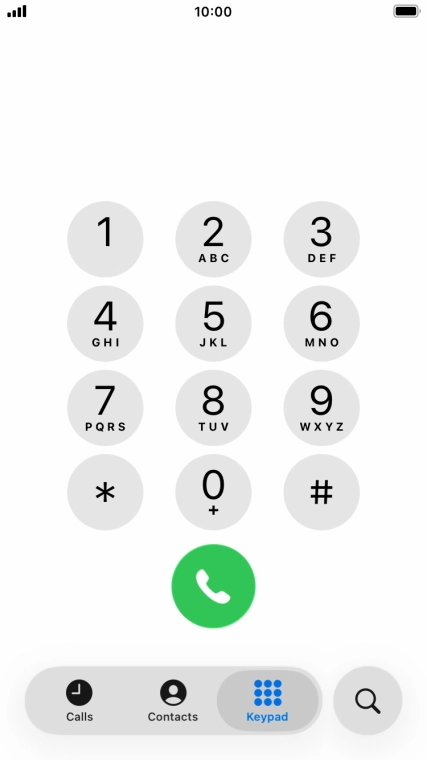
Press Keypad.
Step 2 of 8

Press Keypad.

Key in **21*222# and press the call icon.
**21*222#
Key in **21*222# and press the call icon.
**21*222#
Step 3 of 8

Key in **21*222# and press the call icon.

Key in **61*222*20# and press the call icon.
**61*222*20#
Key in **61*222*20# and press the call icon.
**61*222*20#
Step 4 of 8

Key in **61*222*20# and press the call icon.

Key in the required number of seconds before the call is diverted, e.g. 20. The number needs to be divisible by 5.
Key in **62*222# and press the call icon.
**62*222#
Key in **62*222# and press the call icon.
**62*222#
Step 5 of 8

Key in **62*222# and press the call icon.

Key in **67*222# and press the call icon.
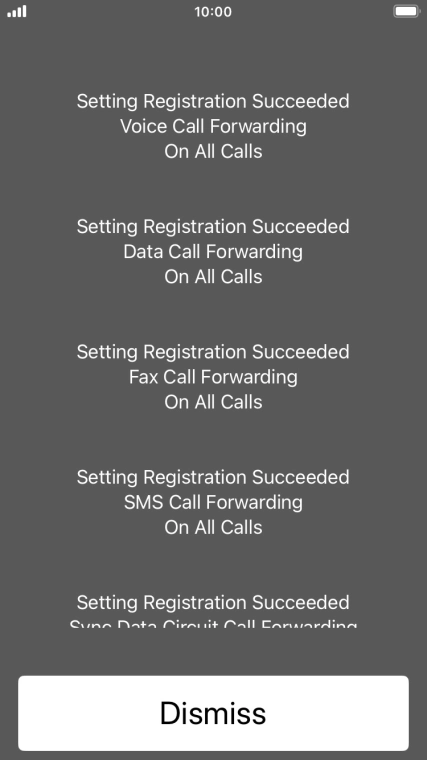
**67*222#
Key in **67*222# and press the call icon.
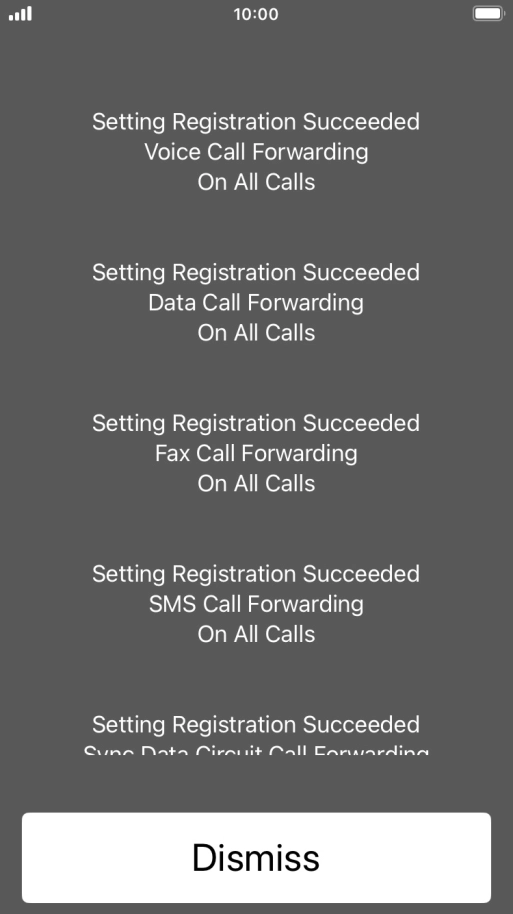
**67*222#
Step 6 of 8

Key in **67*222# and press the call icon.

Press Dismiss.
Press Dismiss.
Step 7 of 8

Press Dismiss.

Press the Home key to return to the home screen.
Step 8 of 8

Press the Home key to return to the home screen.

Get information on...

Or choose...

Show more