iPhone SE 5G


I can't receive any calls
Solution 2 of 3: Divert of all calls is turned on
If you no longer wish to divert your calls, you need to cancel the diverts.


Press the phone icon.
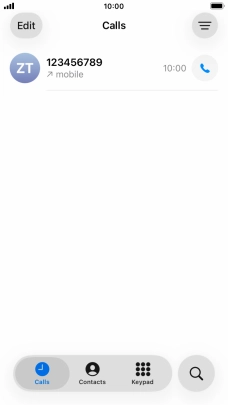
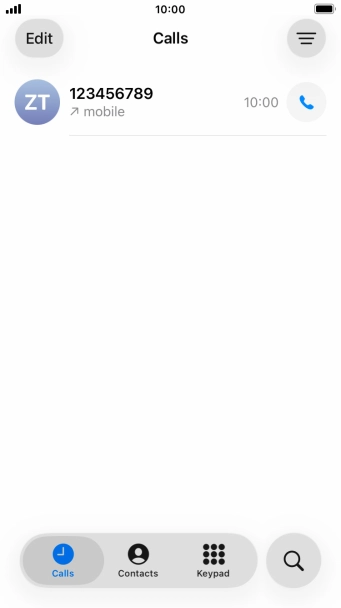
Press Keypad.
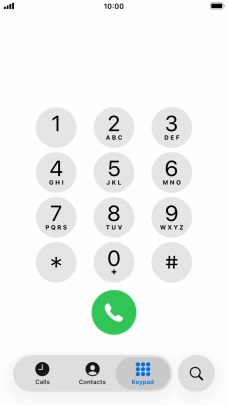
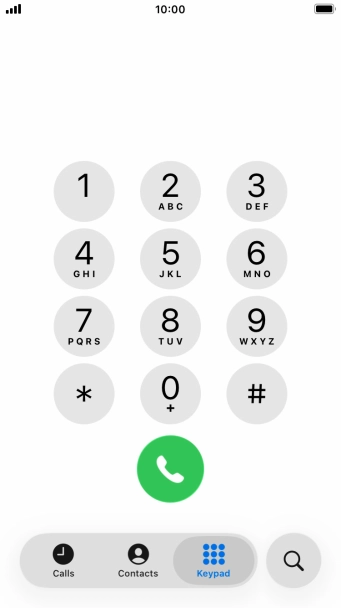
Key in ##002# and press the call icon.
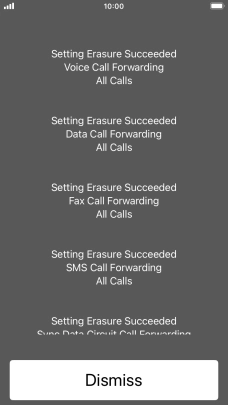
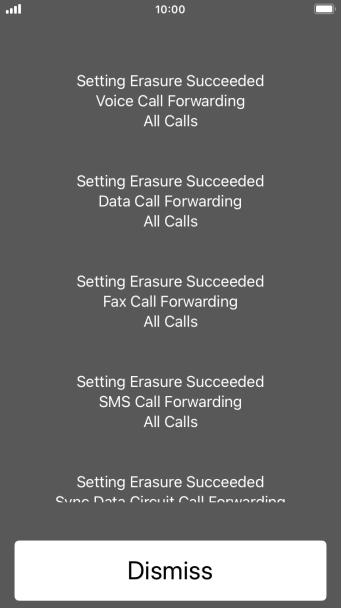
Press Dismiss.
Press the Home key to return to the home screen.