Help
Device guides
Apple
iPhone SE 5G

iPhone SE 5G

f-8866f913-8b28-4b38-9e2c-3daa6f5a4c6e
f-e125f5d5-1fe7-4239-9d50-ad611ee25f00
f-3637621b-6536-4e87-b9aa-a9e455266dec
f-1d32fbc1-46ac-44f6-816b-837d2b5a2f49
f-837dc7ab-ff38-4f7f-a523-066157007cc8
f-1090b2fc-4aed-4e48-86a6-938d5e8b817f
  • Device home
  • Getting started
  • Basic functions
  • Calls, contacts, messaging
  • Connectivity
  • Specifications
  • Device home
  • Getting started
  • Basic functions
  • Calls, contacts, messaging
  • Connectivity
  • Specifications

I can't use my phone's internet connection

Solution 1 of 4: Your phone hasn't been correctly set up for internet

The internet connection is shared by many functions on your phone such as internet browsing, receiving email messages and installing apps. You can access the internet as soon as you've inserted your SIM. If this isn't the case, you can set up your phone for internet manually.
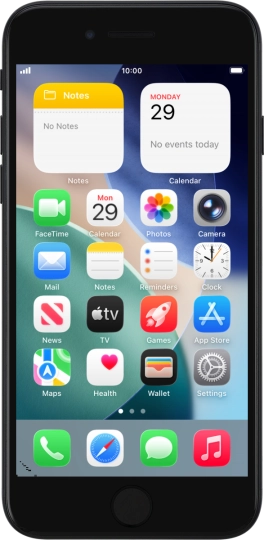
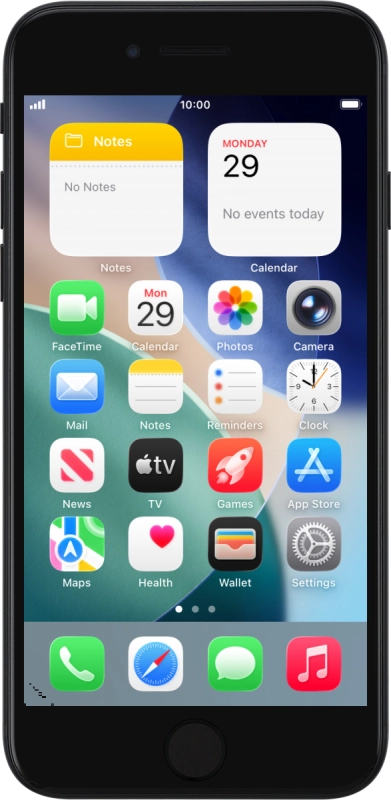
Apple iPhone SE 5G
Apple iPhone SE 5G
Step 1 of 1

When you insert your SIM into your phone, it's automatically set up for internet.


Did this solve your problem?

Yes No

Get information on...

Or choose...

Show more