Help
Device guides
Apple
Watch SE (2022)

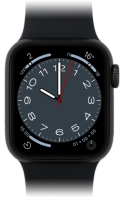
Apple Watch SE (2022)
f-200bcbf9-5dc5-4f97-b5c0-2e822d9a9400
f-7b6070be-786a-430f-b460-e7d645f1fb69
f-8e77dfe6-f0a4-491f-bdfb-b6066cb933ef
f-d8840e8e-9006-4ee4-aa5f-4c5a616626f4
f-f061f2c5-501a-4d03-9238-4b7afe531e6f
  • Device home
  • Getting started
  • Basic functions
  • Calls, contacts, messaging
  • Connectivity
  • Specifications
  • Device home
  • Getting started
  • Basic functions
  • Calls, contacts, messaging
  • Connectivity
  • Specifications

My Apple Watch doesn't respond

Solution 1 of 2: There's an error in the operating system on your Apple Watch

If your Apple Watch is slow or freezes, it might help to restart it.
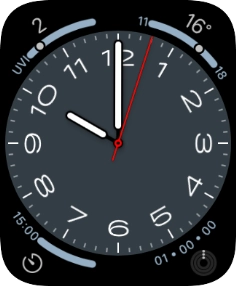
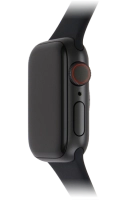
Press and hold the Digital Crown.
Step 1 of 2

Press and hold the Digital Crown.

Simultaneously, press and hold the Side button until your Apple Watch is restarted.
Step 2 of 2

Simultaneously, press and hold the Side button until your Apple Watch is restarted.


Did this solve your problem?

Yes No

Get information on...

Or choose...

Show more