Help
Device guides
Apple
Watch SE (2022)

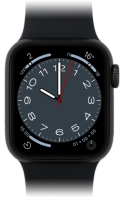
Apple Watch SE (2022)
f-200bcbf9-5dc5-4f97-b5c0-2e822d9a9400
f-7b6070be-786a-430f-b460-e7d645f1fb69
f-8e77dfe6-f0a4-491f-bdfb-b6066cb933ef
f-d8840e8e-9006-4ee4-aa5f-4c5a616626f4
f-f061f2c5-501a-4d03-9238-4b7afe531e6f
  • Device home
  • Getting started
  • Basic functions
  • Calls, contacts, messaging
  • Connectivity
  • Specifications
  • Device home
  • Getting started
  • Basic functions
  • Calls, contacts, messaging
  • Connectivity
  • Specifications

I can't turn on my Apple Watch

Solution 2 of 3: Your Apple Watch isn't turned on correctly

See how to turn your Apple Watch on and off.

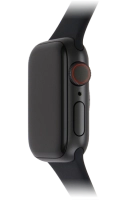
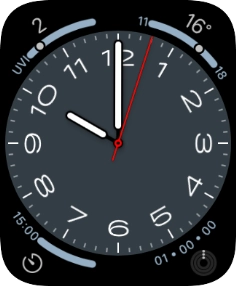
Press and hold the Side button until your Apple Watch is turned on.
Step 1 of 4

Press and hold the Side button until your Apple Watch is turned on.

Press and hold the Side button.
Step 2 of 4

Press and hold the Side button.

Press the power off icon.
Step 3 of 4

Press the power off icon.

Press and drag the power off icon right.
Step 4 of 4

Press and drag the power off icon right.


Did this solve your problem?

Yes No

Get information on...

Or choose...

Show more