Help
Device guides
Apple
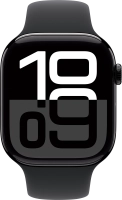
Watch Series 10

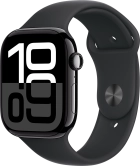
Apple Watch Series 10
f-97e65d25-4966-4b82-93b8-ef302d1dbb5a
f-1cadca11-b442-4f63-aea0-686ebb8e4200
f-7d564155-d586-44f5-86c6-5fb4e0454fcd
f-d82b6dd3-9776-4aca-b0c8-b4ac188f8bab
f-96b4d8b6-5304-4cf3-81aa-6f5584e939c3
f-0f7fbe03-d948-4e20-85a3-252f839e23bd
f-a698d9a8-64d7-4df2-b966-0e5c0d229fa0
  • Device home
  • Getting started
  • Basic functions
  • Calls, contacts, messaging
  • Connectivity
  • Specifications
  • Device home
  • Getting started
  • Basic functions
  • Calls, contacts, messaging
  • Connectivity
  • Specifications

I can't pair my Apple Watch with my phone

Solution 1 of 4: Pairing using QR code reader isn't working


If pairing using QR code reader isn't working, you can't pair your Apple Watch and your phone automatically.

Select the option to manually pair your Apple Watch on the setup screen and follow the instructions on the screen to complete the pairing between your Apple Watch and your phone.


Did this solve your problem?

Yes No

Get information on...

Or choose...

Show more