Help
Device guides
Apple
Watch Series 8

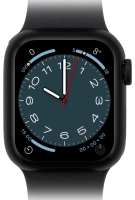
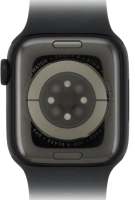
Apple Watch Series 8
f-416d6cd6-733a-4ff8-b848-009c669ac42f
f-a4d946bb-cd58-4520-8c82-4697ba68e7c9
f-01560a31-3dff-4568-be32-064770a0e8f8
f-2d4607ec-b95e-46b3-af0d-592bcec7d718
f-fec948dd-ae58-4f3a-aac0-550e5799983c
  • Device home
  • Getting started
  • Basic functions
  • Calls, contacts, messaging
  • Connectivity
  • Specifications
  • Device home
  • Getting started
  • Basic functions
  • Calls, contacts, messaging
  • Connectivity
  • Specifications

I can't install an app

Solution 1 of 2: The selected app isn't available in your country

You can add new functions to your Apple Watch by installing apps from App Store.

On your phone: Press Watch.
Step 1 of 6

On your phone: Press Watch.

On your phone: Press Discover.
Step 2 of 6

On your phone: Press Discover.

On your phone: Press Explore Watch Apps.
Step 3 of 6

On your phone: Press Explore Watch Apps.

On your phone: Go to the required app.
Step 4 of 6

On your phone: Go to the required app.

On your phone: Press the required app.
Step 5 of 6

On your phone: Press the required app.

On your phone: Press GET and follow the instructions on the screen to install the app.
Step 6 of 6

On your phone: Press GET and follow the instructions on the screen to install the app.


Did this solve your problem?

Yes No

Get information on...

Or choose...

Show more