Help
Device guides
Apple
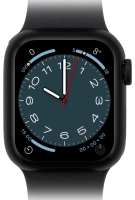
Watch Series 8

Apple Watch Series 8
f-416d6cd6-733a-4ff8-b848-009c669ac42f
f-a4d946bb-cd58-4520-8c82-4697ba68e7c9
f-01560a31-3dff-4568-be32-064770a0e8f8
f-2d4607ec-b95e-46b3-af0d-592bcec7d718
f-fec948dd-ae58-4f3a-aac0-550e5799983c
  • Device home
  • Getting started
  • Basic functions
  • Calls, contacts, messaging
  • Connectivity
  • Specifications
  • Device home
  • Getting started
  • Basic functions
  • Calls, contacts, messaging
  • Connectivity
  • Specifications

I can't make voice calls

Solution 1 of 7: Flight mode is turned on

You can turn off all wireless connections so your Apple Watch can’t cause any interference with sensitive equipment in a plane or a hospital. You can use many Apple Watch functions when flight mode is turned on, but you can't receive calls or messages.
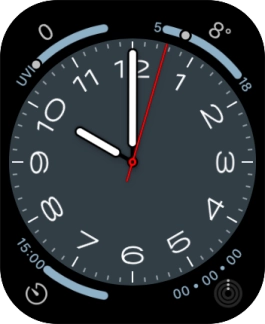
Slide your finger upwards starting from the bottom of the screen.
Step 1 of 3

Slide your finger upwards starting from the bottom of the screen.

Press the flight mode icon to turn the function on or off.
Step 2 of 3

Press the flight mode icon to turn the function on or off.

Press the Digital Crown to return to the home screen.
Step 3 of 3

Press the Digital Crown to return to the home screen.


Did this solve your problem?

Yes No

Get information on...

Or choose...

Show more