Apple Watch Series 9


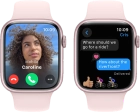
No ring tone is heard on incoming calls
Solution 2 of 2: Do Not Disturb is turned on
If you don't want to be disturbed by calls or notifications, you can turn on Do Not Disturb on your Apple Watch.
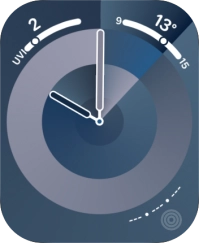

Step 1 of 3
Press the Side button.


Step 2 of 3
Press the Do Not Disturb icon to turn the function on or off.
Step 3 of 3
Press the Side button to return to the home screen.