Help
Device guides
Apple
Watch Series 9

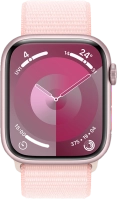
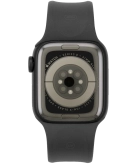
Apple Watch Series 9
f-244f4df2-065b-4470-9cb8-c337b7e4cbad
f-ccd54f7e-454b-4fb8-8387-fdbea363ecf3
f-e298c507-88dc-4300-9c0d-da2d15f245df
f-ecbbb3dc-5355-4aff-aea8-fdb5a4082688
f-e78d5d02-f6d9-40e5-9b75-bbb8c8d5249a
  • Device home
  • Getting started
  • Basic functions
  • Calls, contacts, messaging
  • Connectivity
  • Specifications
  • Device home
  • Getting started
  • Basic functions
  • Calls, contacts, messaging
  • Connectivity
  • Specifications

I can't send and receive email messages

Solution 2 of 4: The paired phone hasn't been correctly set up for email messaging


To send and receive IMAP email messages, you need to set up the paired phone correctly for email messaging.

Check if you can send and receive email messages on the paired phone. If this is not possible, try setting up your email account on your phone again.


Did this solve your problem?

Yes No

Get information on...

Or choose...

Show more