Help
Device guides
Apple
Watch Ultra 2

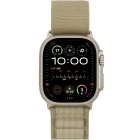
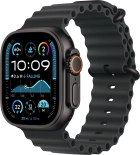
Apple Watch Ultra 2

f-bb8f8e43-2db9-4385-8c04-4c0b6235f945
f-0618d4aa-d1f1-4013-873e-f99c6b2276fa
f-749fabae-4145-4b93-aa1f-2b298d66713c
f-5a2b8a26-9c18-4440-b271-abfd513e4e35
f-82afd4be-d9cf-4c21-91ec-becc699a7cfd
f-4c2c5f59-ff0d-476f-9cc4-374a79b02b8c
f-55fe36a1-5de9-4625-aabd-dcfa4779fc9f
  • Device home
  • Getting started
  • Basic functions
  • Calls, contacts, messaging
  • Connectivity
  • Specifications
  • Device home
  • Getting started
  • Basic functions
  • Calls, contacts, messaging
  • Connectivity
  • Specifications

Restarting your Apple Watch

If your Apple Watch is slow or freezes, it might help to restart it.

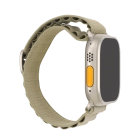
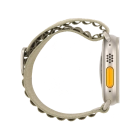
Press and hold the Digital Crown.
Step 1 of 2

Press and hold the Digital Crown.

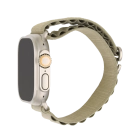
Simultaneously, press and hold the Side button until your Apple Watch is restarted.
Step 2 of 2

Simultaneously, press and hold the Side button until your Apple Watch is restarted.

Get information on...

Or choose...

Show more