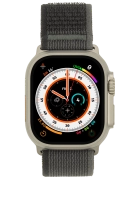
Apple Watch Ultra
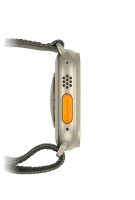
The battery life of my Apple Watch is short
Solution 1 of 3: A recent update of the software on your Apple Watch may cause the battery to drain faster than normal.
A software update may have changed the battery consumption on your Apple Watch.
Recalibrate the battery by following these steps: 1. Fully charge the battery and leave it to charge for an additional two hours. 2. Disconnect your Apple Watch from the charger and then drain the battery completely. 3. Connect your Apple Watch to the charger again and fully charge the battery. If this doesn't help, you can wait for the next software update, which may resolve the issue.