
Help
Device guides
Apple
iPad Air 11” (2026)

iPad Air 11” (2026)

f-70267b34-1f34-4ed1-ac0d-f347589180af
f-d8bd1116-7c1f-416d-8b8f-441db72da0a4
f-db2a39e9-45cc-4336-8d3a-fc36aa503d33
f-6a8ecc2f-9849-4790-b6b3-86c4c70e57f0
f-1fbe075f-0812-41cb-9b0e-4127bdc75945
f-cfd8638b-acb4-4594-ab96-b761d2d44342
  • Device home
  • Getting started
  • Basic functions
  • Contacts and messages
  • Connectivity
  • Specifications
  • Device home
  • Getting started
  • Basic functions
  • Contacts and messages
  • Connectivity
  • Specifications

Updating tablet software

It's recommended that you update your tablet with the newest software, as the manufacturer continuously corrects errors. It's a good idea to back up the memory first. Before you can update your tablet's software, you need to set up your tablet for internet.
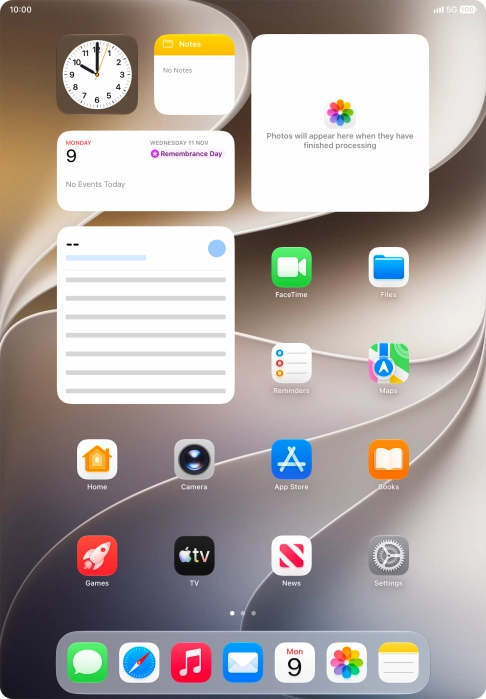
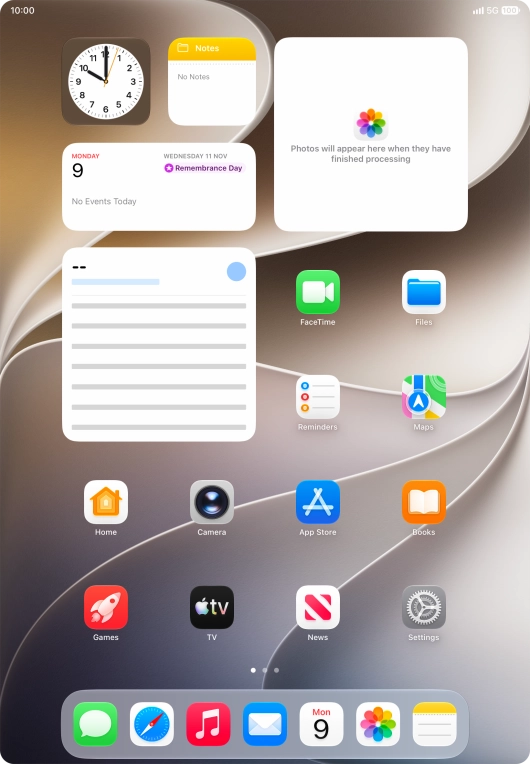
Press Settings.
Press Settings.
Step 1 of 3

Press Settings.

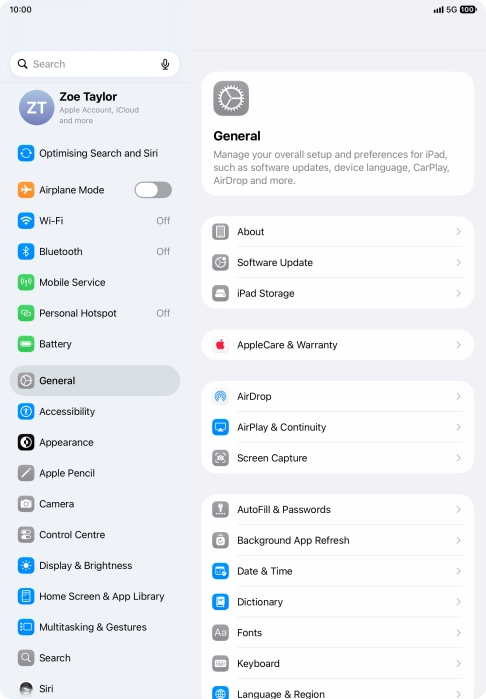
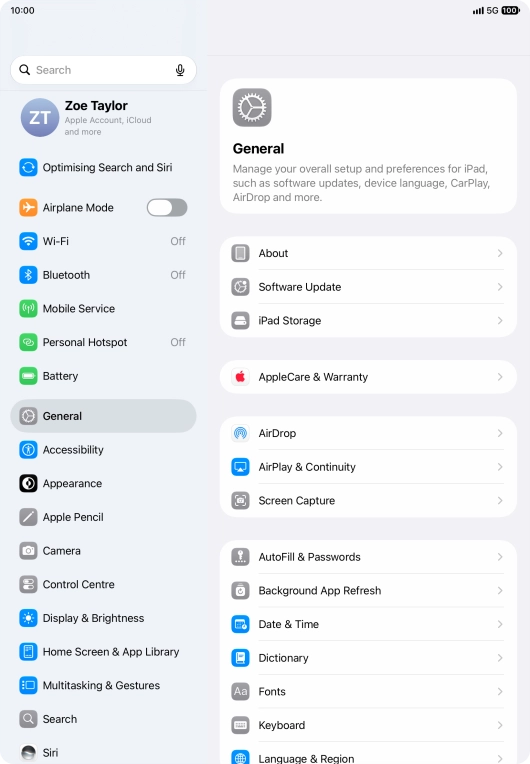
Press General.
Press General.
Step 2 of 3

Press General.

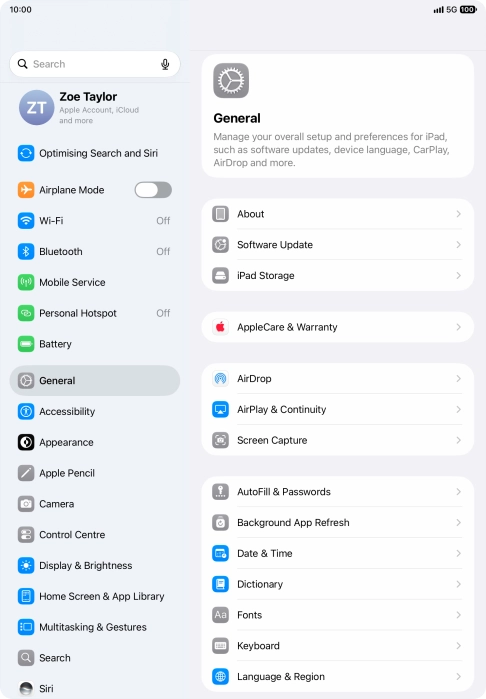
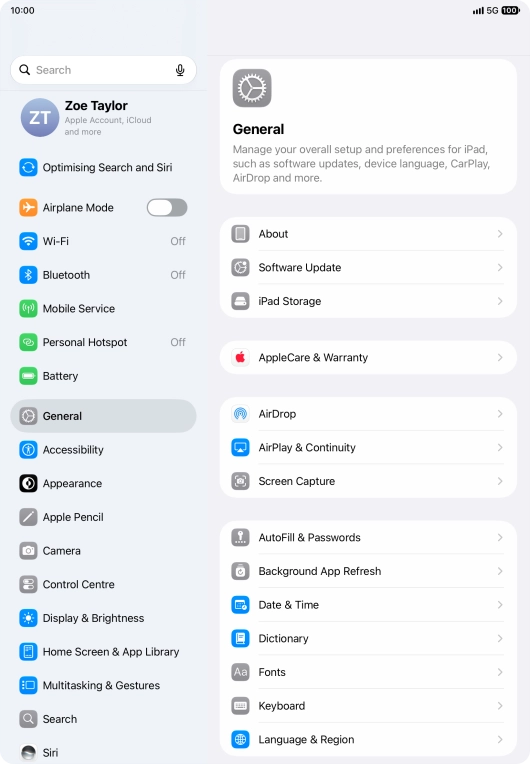
Press Software Update. If a new software version is available, it's displayed. Follow the instructions on the screen to update the tablet software.
Step 3 of 3

Press Software Update. If a new software version is available, it's displayed. Follow the instructions on the screen to update the tablet software.

Get information on...

Or choose...

Show more