




Help
Device guides
Apple
iPad Pro 13 (2025)

iPad Pro 13 (2025)

f-ec7fce1b-6e50-4e7c-833e-99b63ac266be
f-f21809a5-5068-49a0-8d1c-d0628b869ca0
f-ded4e2d9-3620-402e-8724-ca67991c86df
f-7b0f47dc-797c-4ac8-b416-fcaa9ded197b
f-58dc76d0-9a20-486c-91d6-0887b98bc349
f-1d08356e-03cd-4c6c-8e84-fbf70ede4647
  • Device home
  • Getting started
  • Basic functions
  • Contacts and messages
  • Connectivity
  • Specifications
  • Device home
  • Getting started
  • Basic functions
  • Contacts and messages
  • Connectivity
  • Specifications

Updating tablet software

It's recommended that you update your tablet with the newest software, as the manufacturer continuously corrects errors. It's a good idea to back up the memory first. Before you can update your tablet's software, you need to set up your tablet for internet.
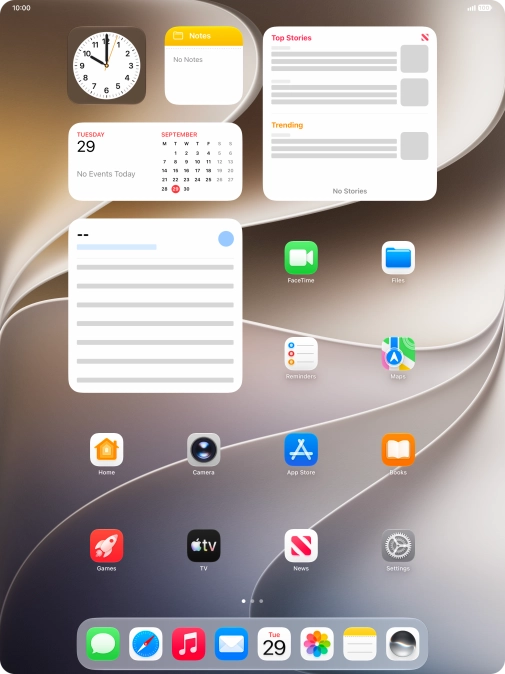
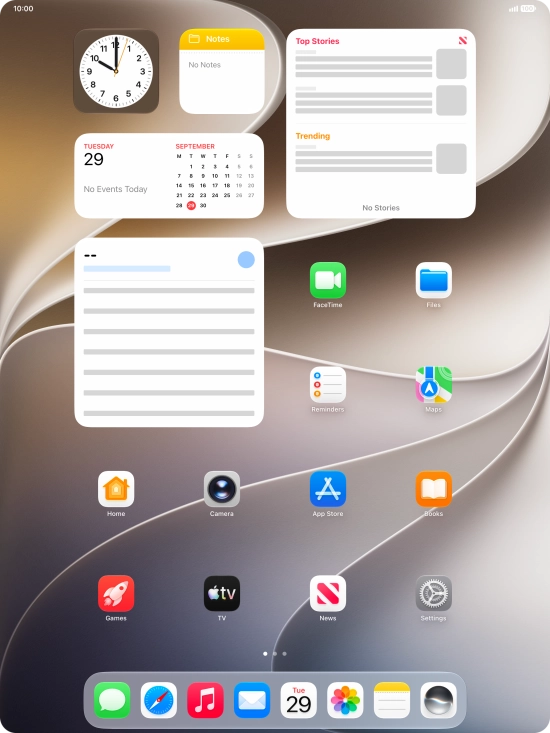
Press Settings.
Press Settings.
Step 1 of 3

Press Settings.

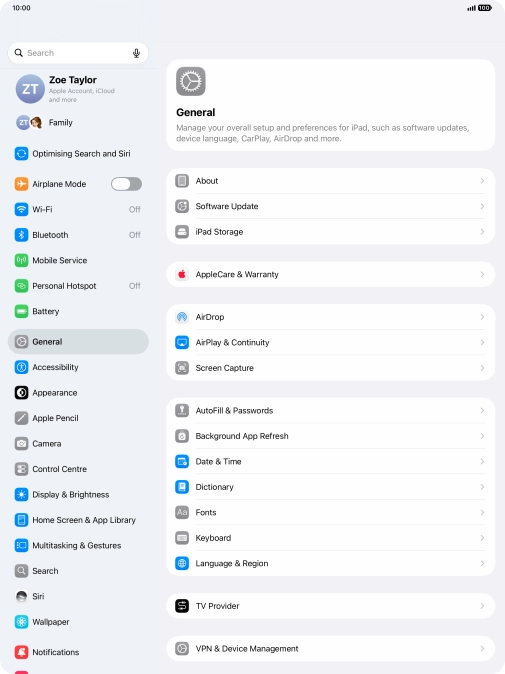
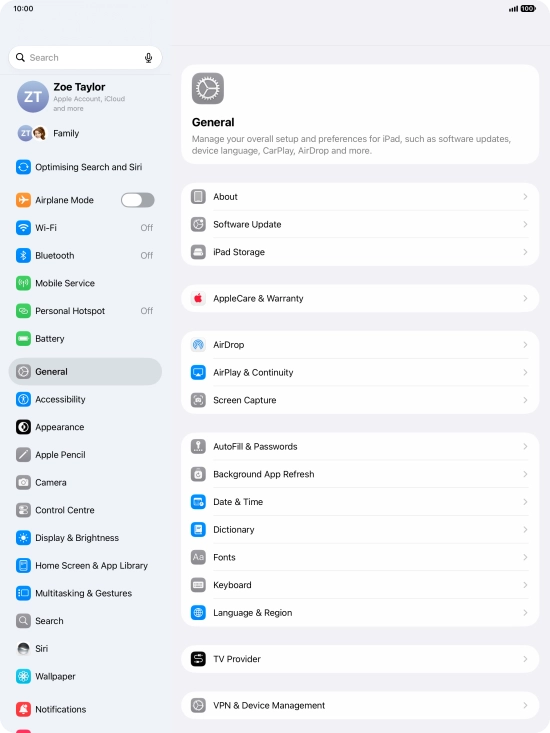
Press General.
Press General.
Step 2 of 3

Press General.

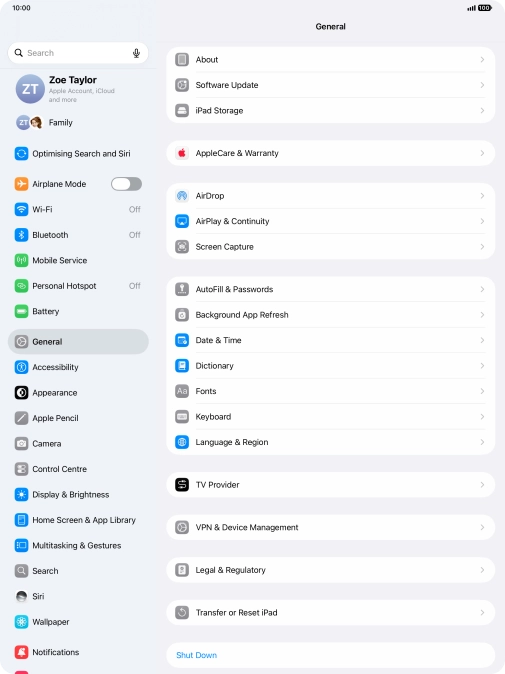
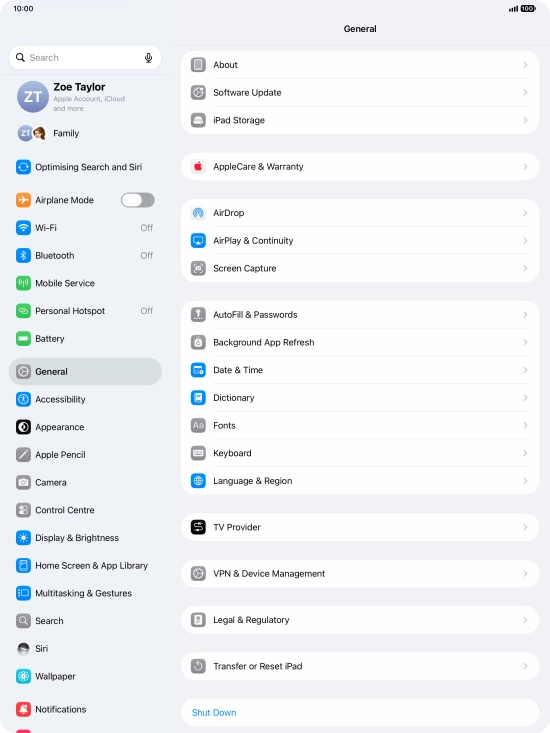
Press Software Update. If a new software version is available, it's displayed. Follow the instructions on the screen to update the tablet software.
Step 3 of 3

Press Software Update. If a new software version is available, it's displayed. Follow the instructions on the screen to update the tablet software.

Get information on...

Or choose...

Show more