iPad Pro 13 (2025)





Turning Wi-Fi Assist on or off
You can set your tablet to use mobile data automatically when the connection to the Wi-Fi network is weak. To turn Wi-Fi Assist on or off, you need to turn on mobile data.
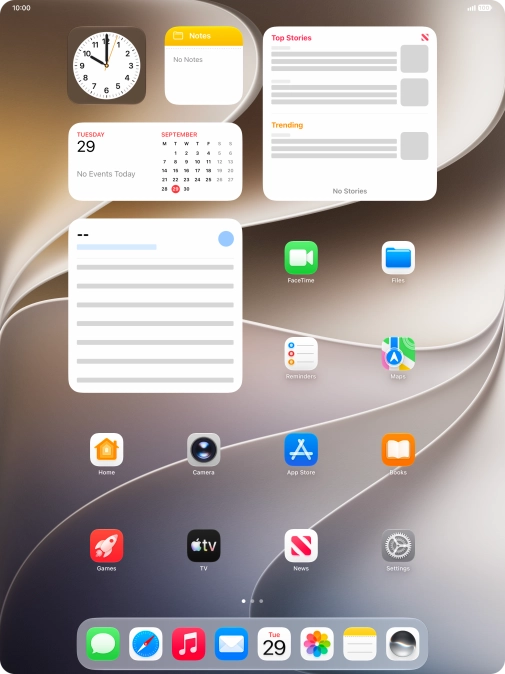
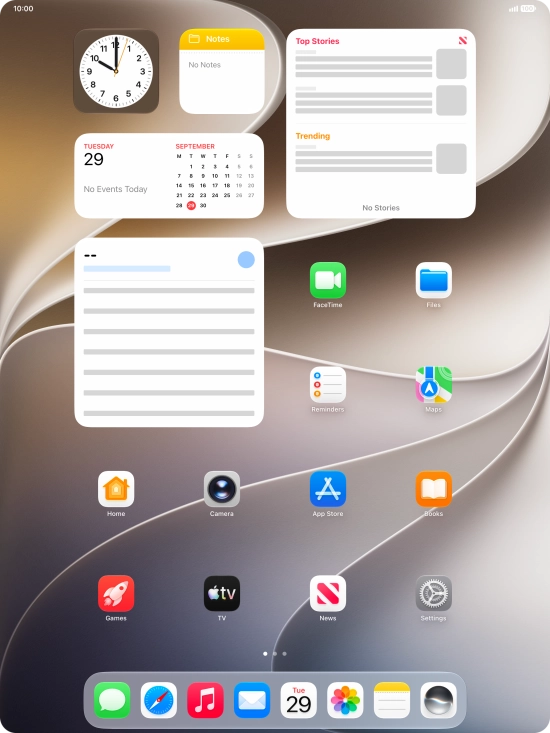
Step 1 of 4
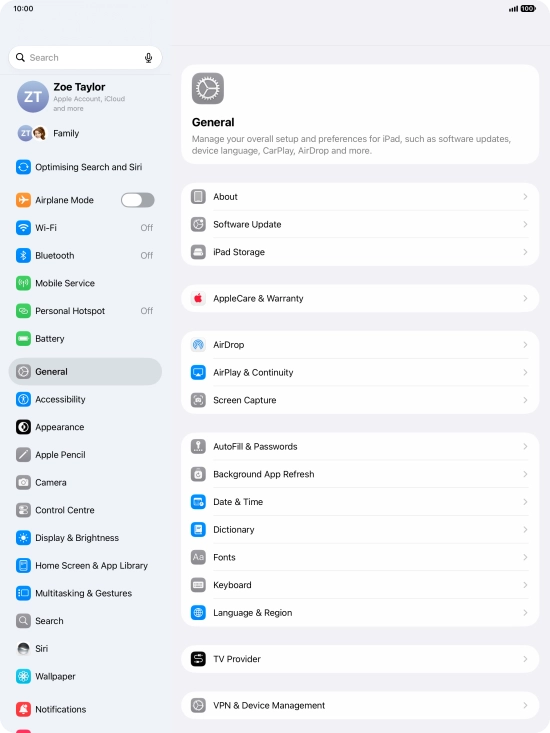
Press Settings.
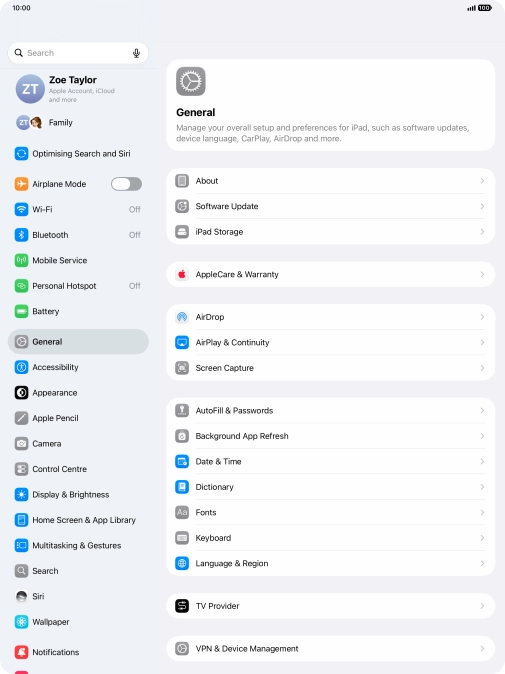
Step 2 of 4
Press Wi-Fi.
Step 3 of 4
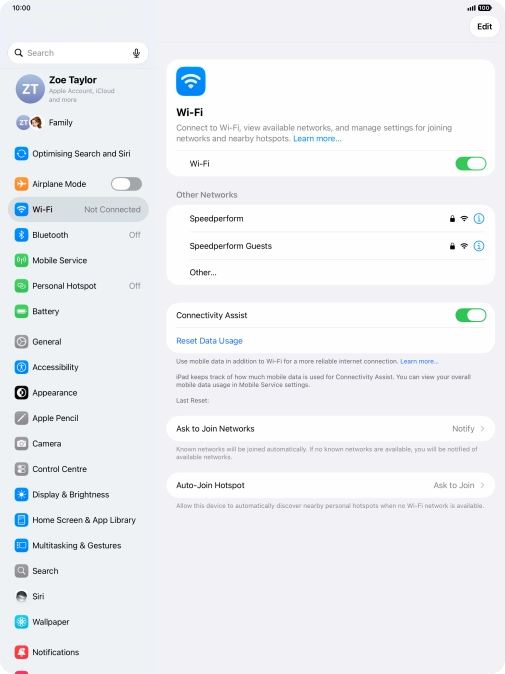
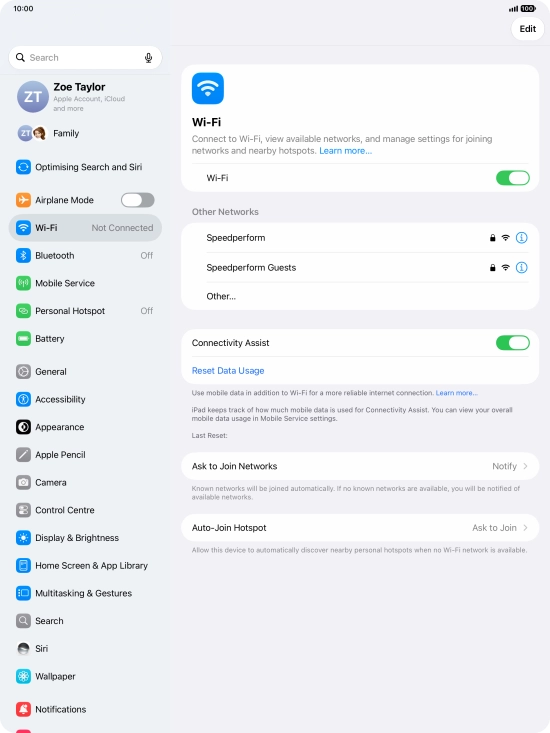
Press the indicator next to "Connectivity Assist" to turn the function on or off.
Step 4 of 4
Slide your finger upwards starting from the bottom of the screen to return to the home screen.