






Help
Device guides
Apple
iPhone 17 Pro

iPhone 17 Pro

f-885aef9b-a664-46ab-937b-9f5222990f51
f-8ad24bae-ff79-4348-8f44-ad62e5835021
f-43c25fc8-eda1-40b9-b509-232998f2a53f
f-5a061fcc-65af-4b9a-a480-faf695ddede0
f-d08e6db8-2caf-47dd-8f10-6e107ec17b5c
f-3224778e-e228-4cf0-bd8e-82ff946fecda
f-d0359056-a6c4-4a86-b7c7-d62ad60586cc
f-f00d0e3c-0dab-4abf-84c7-6d39c34c523f
  • Device home
  • Getting started
  • Basic functions
  • Calls, contacts, messaging
  • Connectivity
  • Specifications
  • Device home
  • Getting started
  • Basic functions
  • Calls, contacts, messaging
  • Connectivity
  • Specifications

Restoring content from an iCloud backup

You can restore content from an iCloud backup when e.g. your phone is activated for the first time and after a factory reset. To restore the content, you need to back up the phone memory to iCloud.
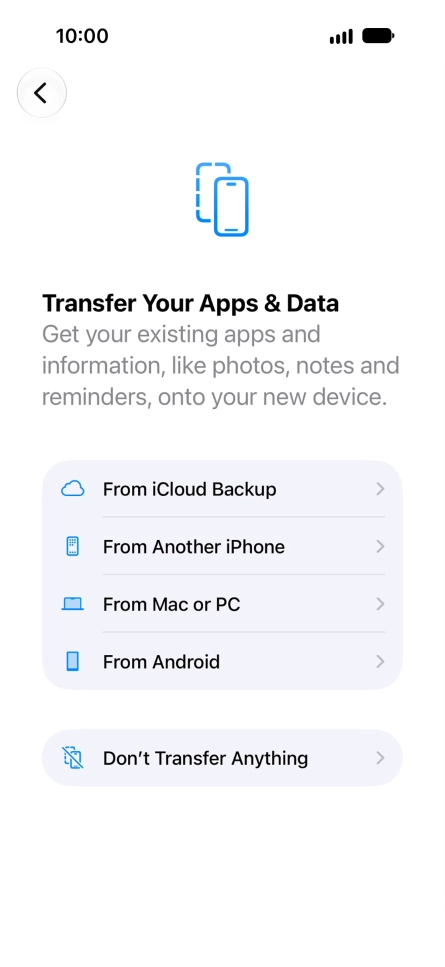
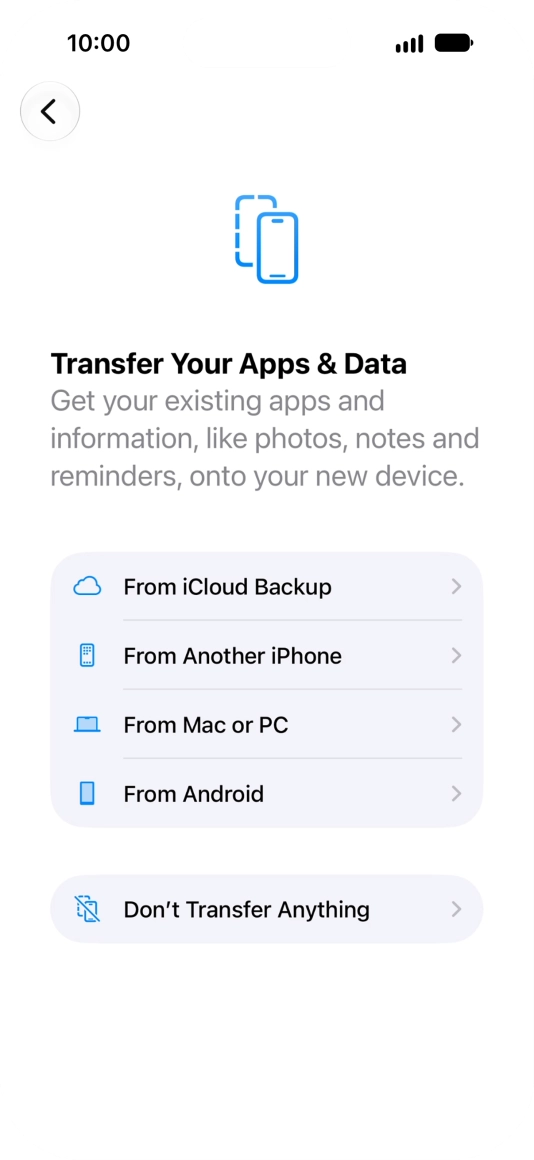
When this screen is displayed, your phone is ready to restore content from an iCloud backup.
Step 1 of 8

When this screen is displayed, your phone is ready to restore content from an iCloud backup.

See how to factory reset your phone.
Press From iCloud Backup.
Step 2 of 8

Press From iCloud Backup.

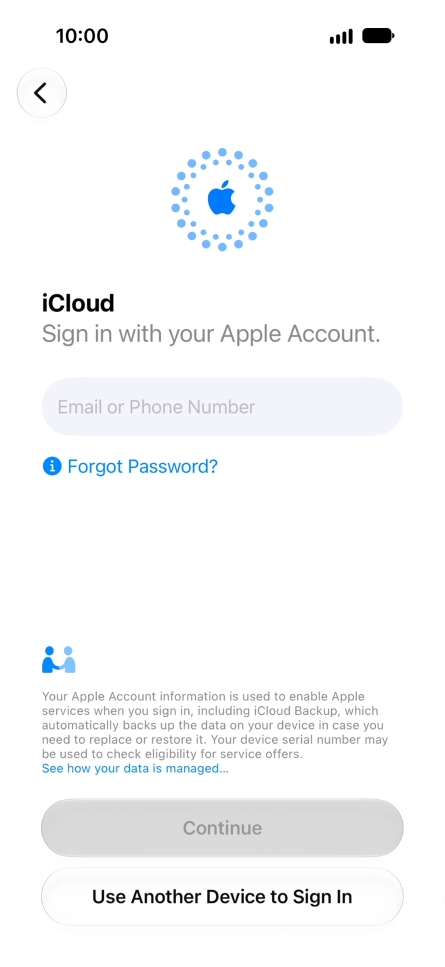
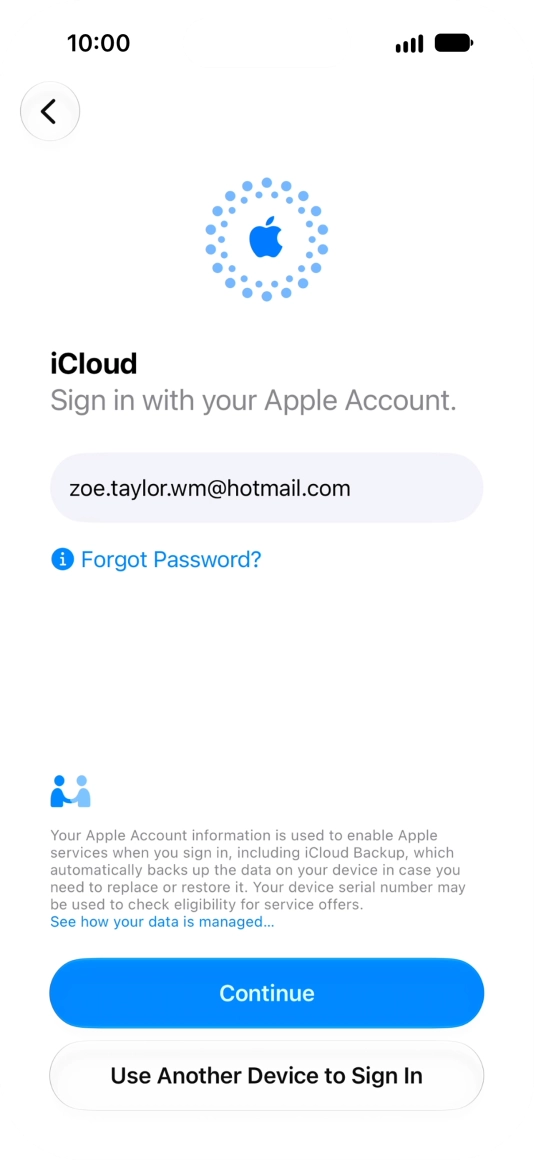
Press Email or Phone Number and key in the username for your Apple Account.
Step 3 of 8

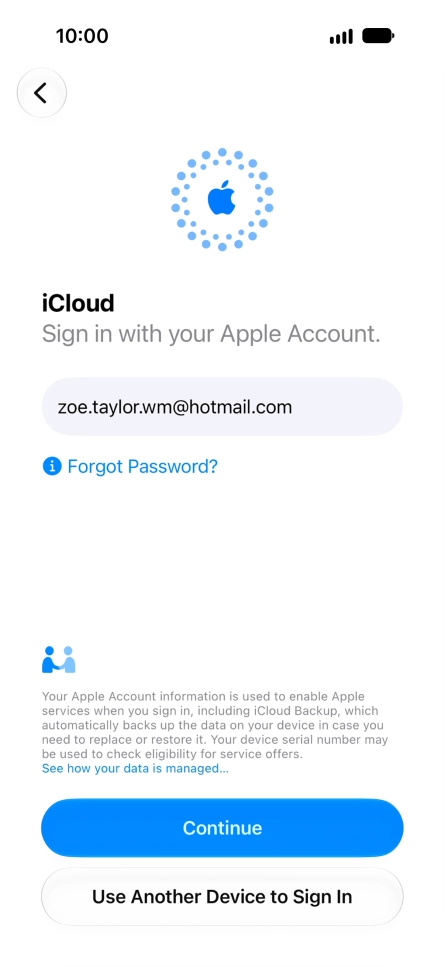
Press Email or Phone Number and key in the username for your Apple Account.

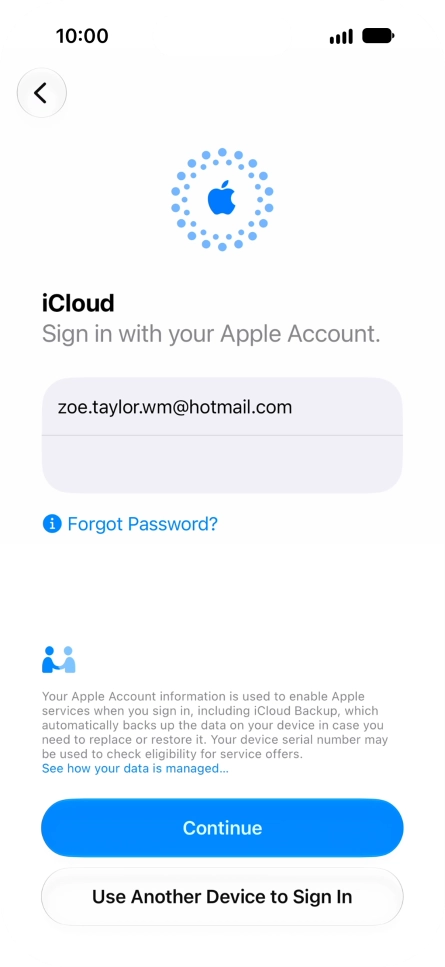
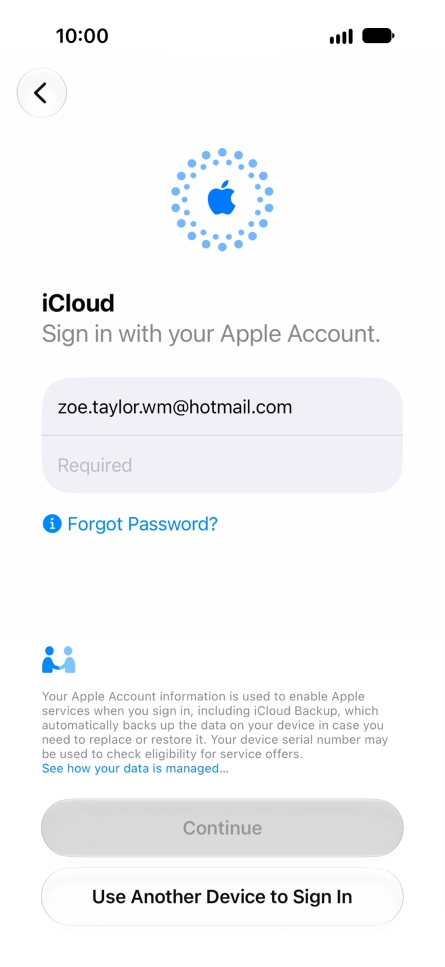
Press Continue.
Press Continue.
Step 4 of 8

Press Continue.

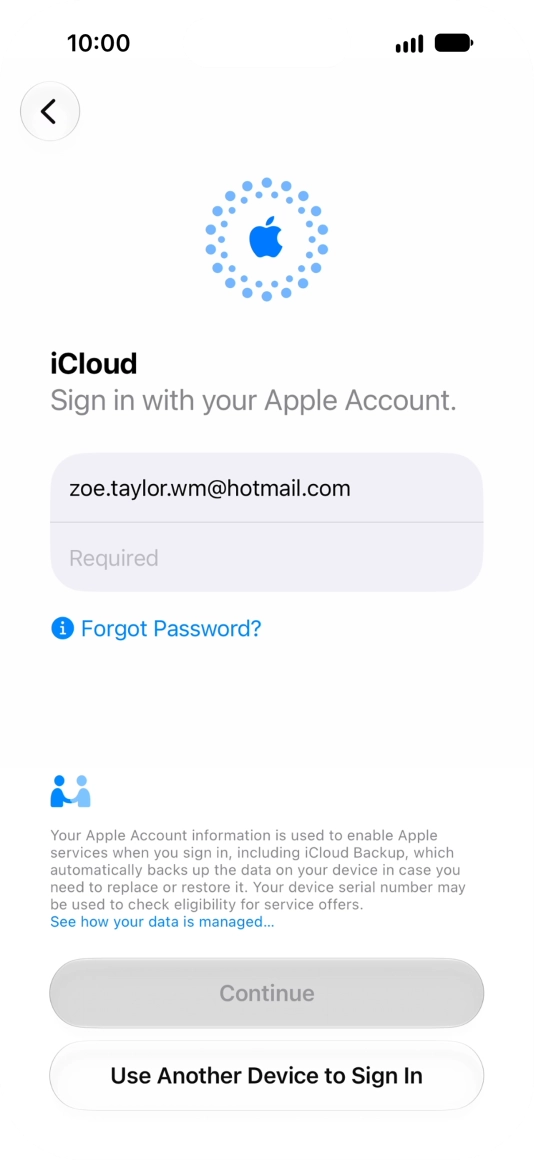
Press Required and key in the password for your Apple Account.
Step 5 of 8

Press Required and key in the password for your Apple Account.

Press Continue.
Press Continue.
Step 6 of 8

Press Continue.

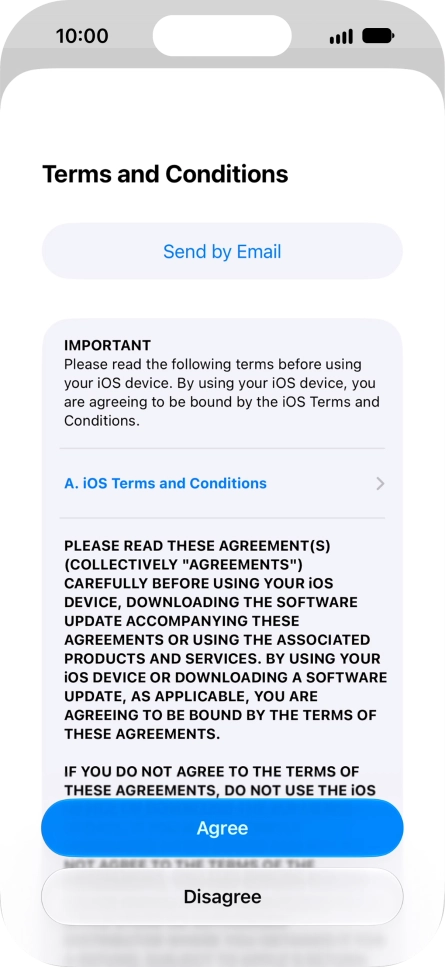
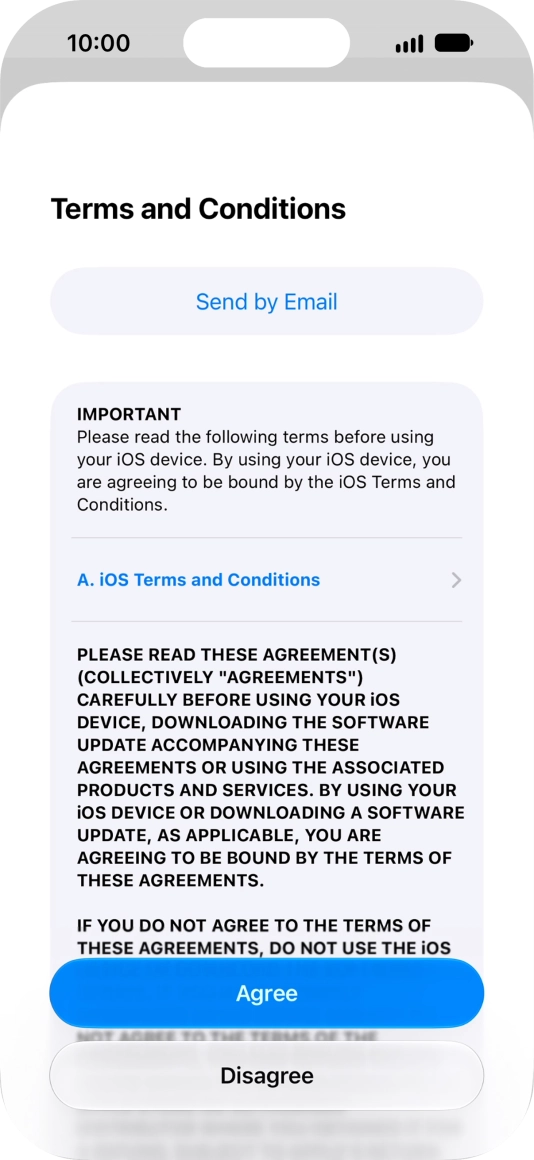
Press Agree.
Press Agree.
Step 7 of 8

Press Agree.

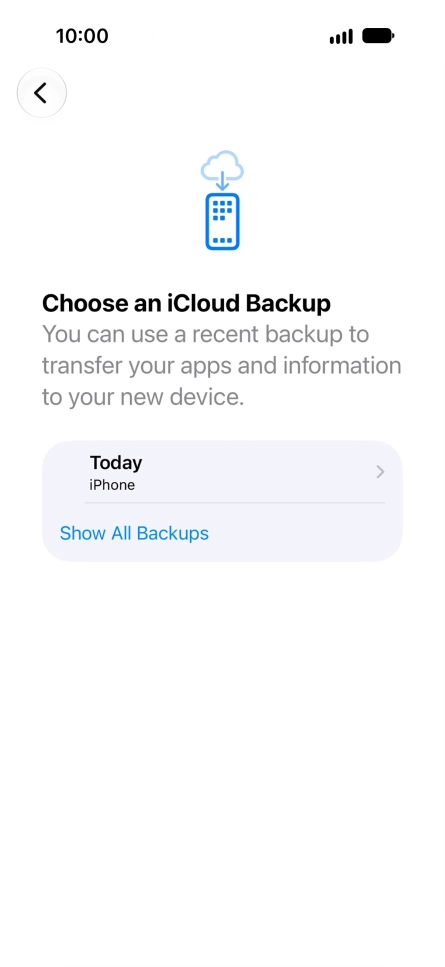
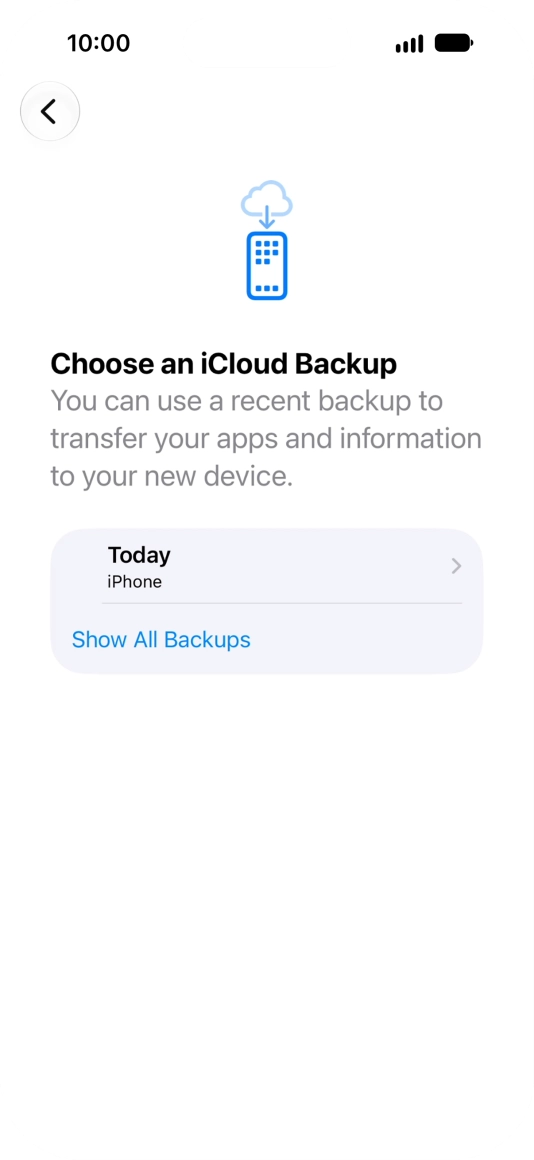
Press the required backup and your phone restores the content of the selected backup. Subsequently, follow the instructions on the screen to set up your phone and prepare it for use.
Step 8 of 8

Press the required backup and your phone restores the content of the selected backup. Subsequently, follow the instructions on the screen to set up your phone and prepare it for use.

Get information on...

Or choose...

Show more