iPhone Duo




Using Touch ID
You can set your phone to use your fingerprint as phone lock code or to authorise iTunes and App Store purchases. To use Touch ID, you need to turn on the phone lock code.
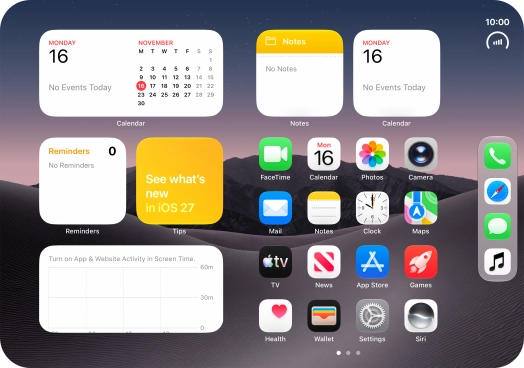
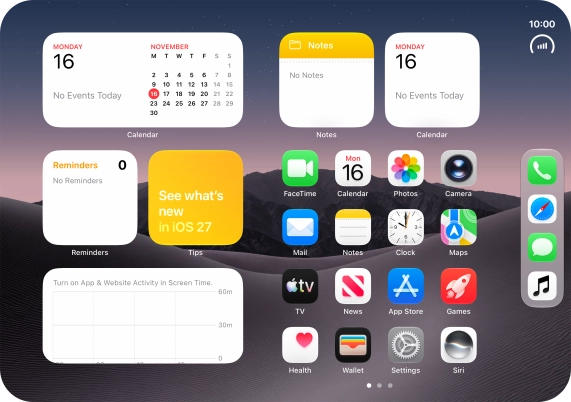
Press Settings.
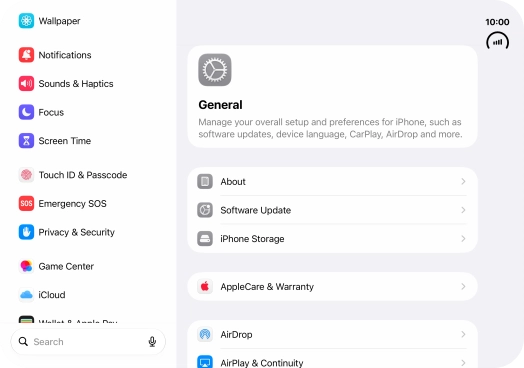
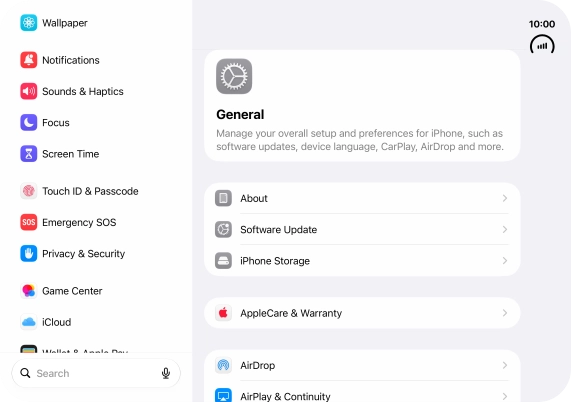
Press Touch ID & Passcode.
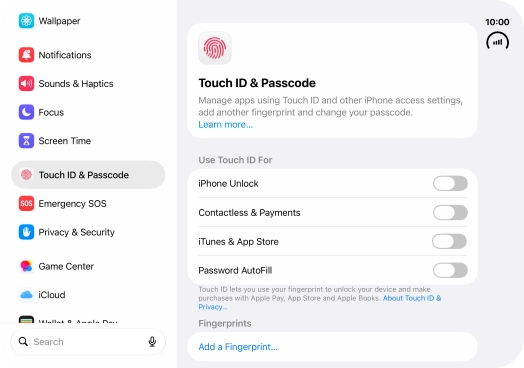
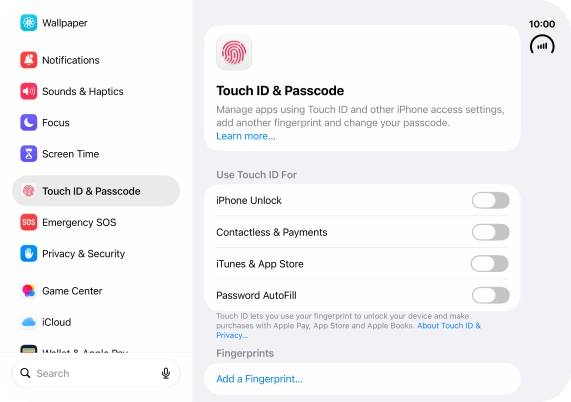
Press Add a Fingerprint....
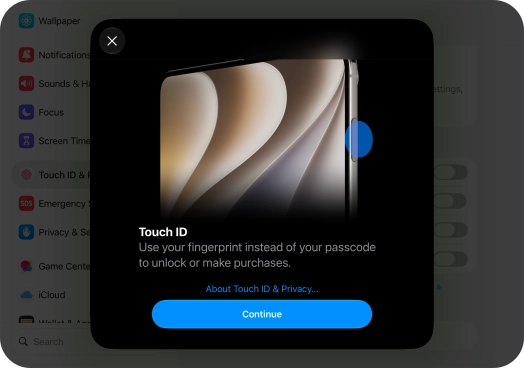
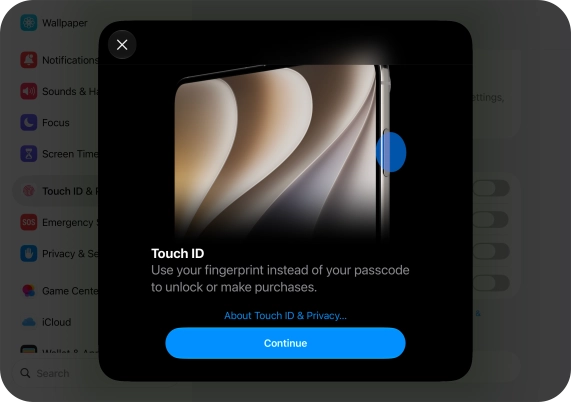
Press Continue.
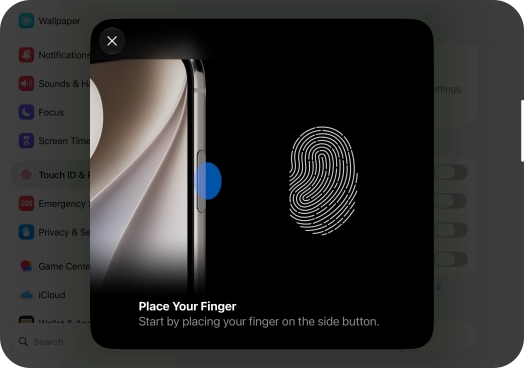
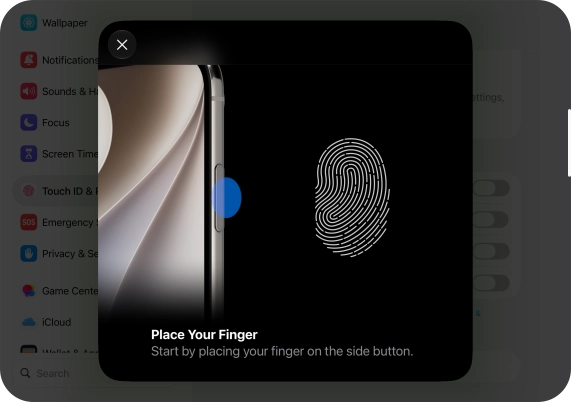
Follow the instructions on the screen to add your fingerprint.
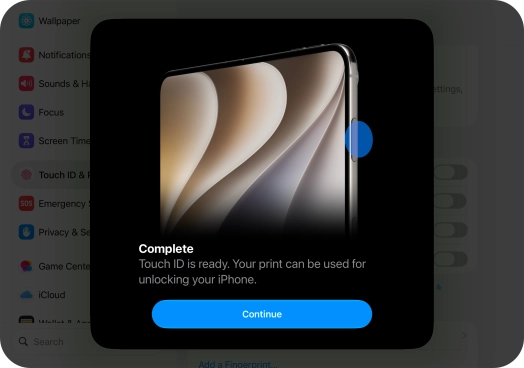
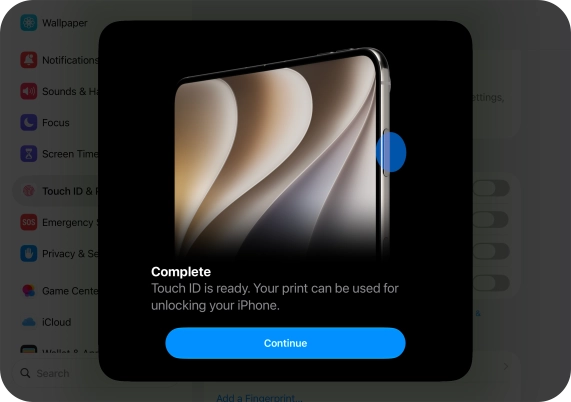
Press Continue.
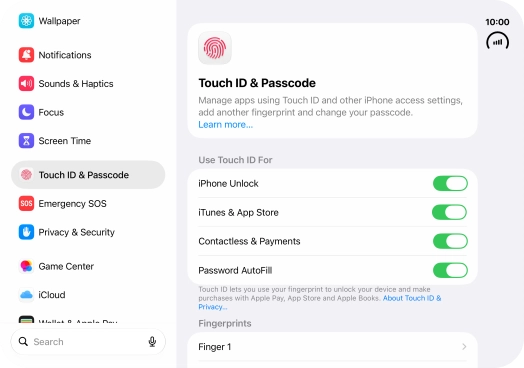
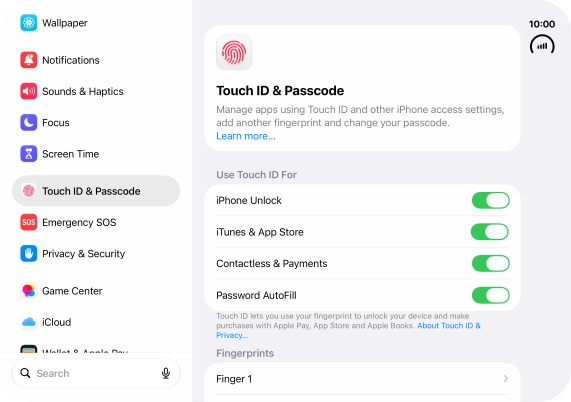
Press the indicators next to the required settings to turn them on or off.
Slide your finger upwards starting from the bottom of the screen to return to the home screen.