



Help
Device guides
Apple
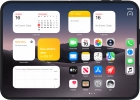
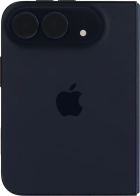
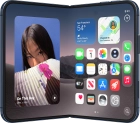
iPhone Duo

iPhone Duo

f-7d421a93-ccff-45d2-be78-bf5fd60a0d8a
f-8c3fda19-43c6-4505-a1ac-8011cd5b31f6
f-f1dec2bb-f661-4e45-8aca-dadf88c6d073
f-9d6638b7-f65f-42ec-8fb4-7e87c1397718
f-6e073410-12a4-4b6b-a345-ed93ec9c358b
f-1e1a8456-948a-4380-84d7-f785826a37a9
f-e73a41ff-ec10-49b6-aca9-dde61822f7d9
f-ee82dc6e-c72e-41eb-9846-382dbab57477
  • Device home
  • Getting started
  • Basic functions
  • Calls, contacts, messaging
  • Connectivity
  • Specifications
  • Device home
  • Getting started
  • Basic functions
  • Calls, contacts, messaging
  • Connectivity
  • Specifications

Setting up your phone for internet

The internet connection is shared by many functions on your phone such as internet browsing, receiving email and installing apps. You can access the internet as soon as you've activated your eSIM. If this isn't the case, you can set up your phone for internet manually.
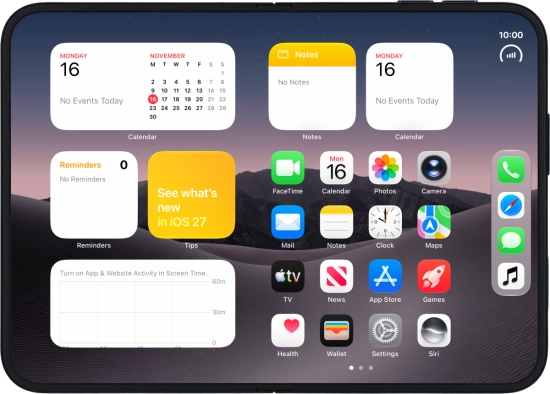
Apple iPhone Duo
Apple iPhone Duo
Step 1 of 1

When you insert your SIM into your phone, it's automatically set up for internet.

Get information on...

Or choose...

Show more